
Prepare the portrait
Begin here when color, placement, or facial detail is difficult to read. Good light, framing, focus, and an unfiltered source make every later comparison more useful.
Build a better source →MaqAI beauty guides
Twenty practical guides help you improve the source, isolate the decision, read AI output honestly, and translate a saved idea into real makeup.
Start where the decision is
If the result is confusing, the problem is usually the source, the comparison, the interpretation, or the real-world test. Start with the guide that fixes that stage.
Begin here when color, placement, or facial detail is difficult to read. Good light, framing, focus, and an unfiltered source make every later comparison more useful.
Build a better source →Begin here when the image looks convincing but you are unsure what it can prove. Separate creative direction from product, skin, formula, wear, and generated details.
Read AI previews critically →Begin here when several options blur together. Hold the portrait and surrounding makeup steady while changing color, placement, finish, shape, or intensity.
Make a controlled comparison →Begin here when you like the visual but need a real plan. Translate it into products, layer order, tools, time, event conditions, and the part you will test first.
Create a wearable routine →The complete MaqAI library
Twenty focused guides cover input quality, AI limits, color, placement, complexion, inspiration, routines, photography, analysis, occasions, and practical beauty planning.
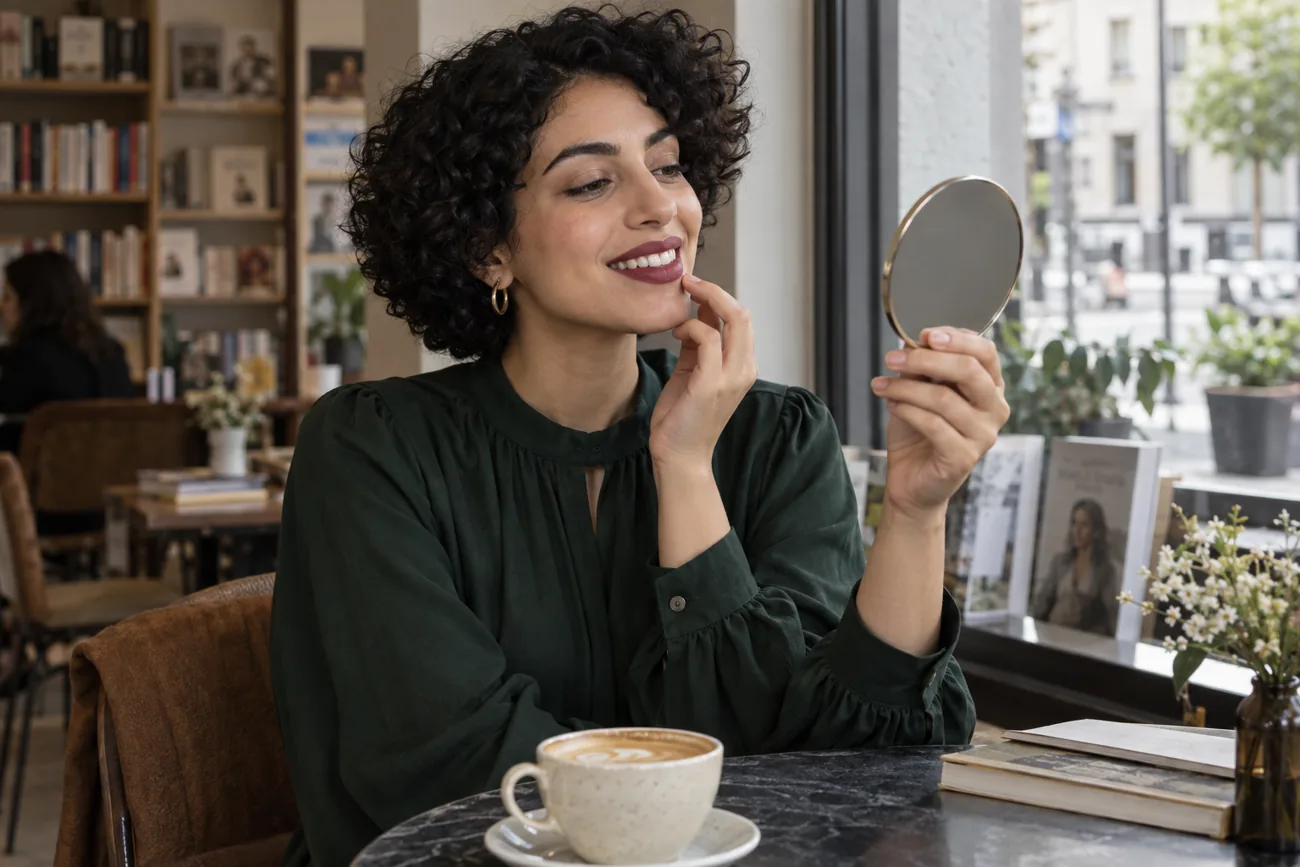
Find where color reaches your smile, keep the inner lip clear and test a thin application through an ordinary conversation and drink.
Read guide →
Compare restrained brow colors on one clear portrait, then check real pencil strokes against your brow hairs in daylight.
Read guide →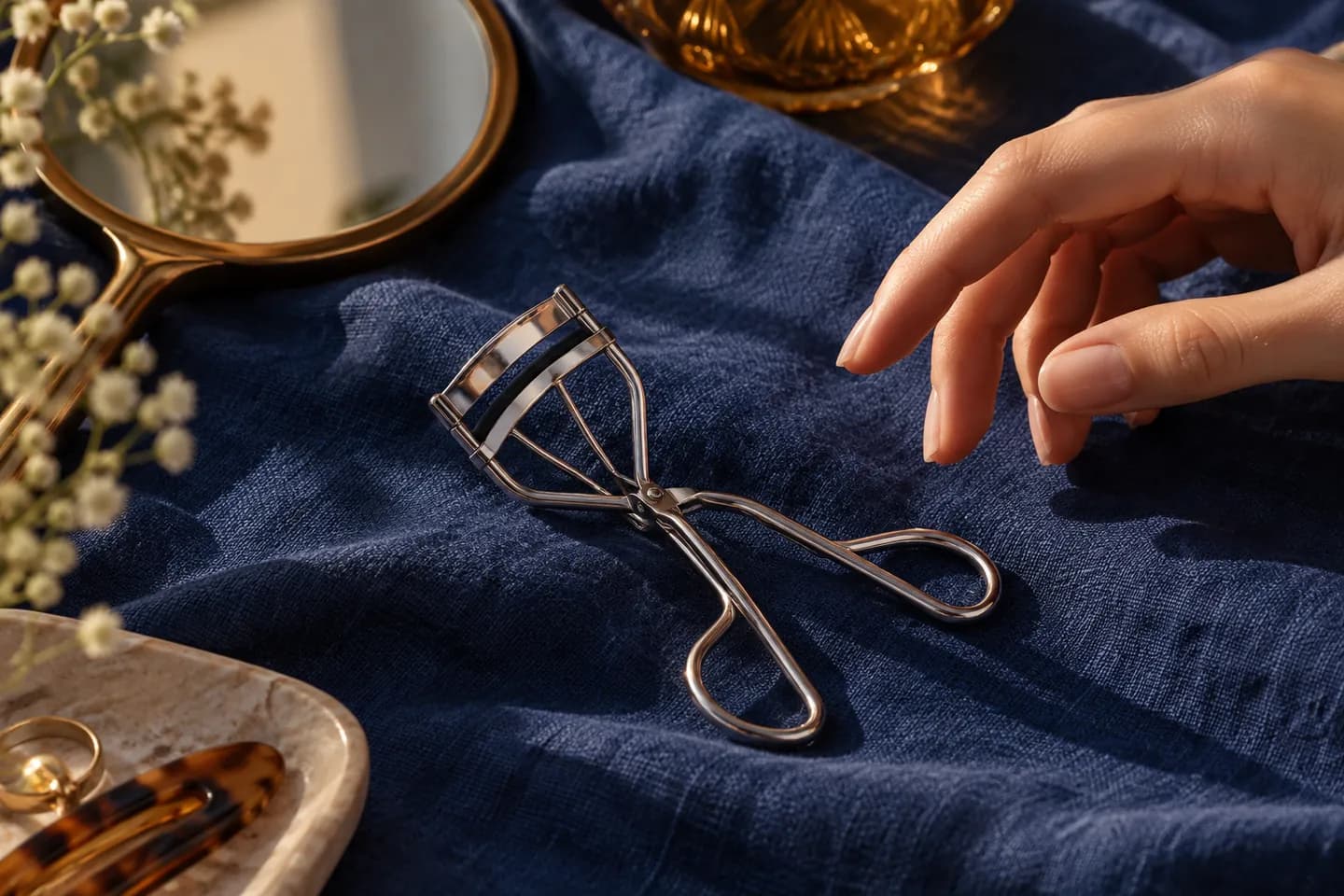
A measured curler routine for clean lashes, a comfortable fit, a soft curve and a real-life check.
Read guide →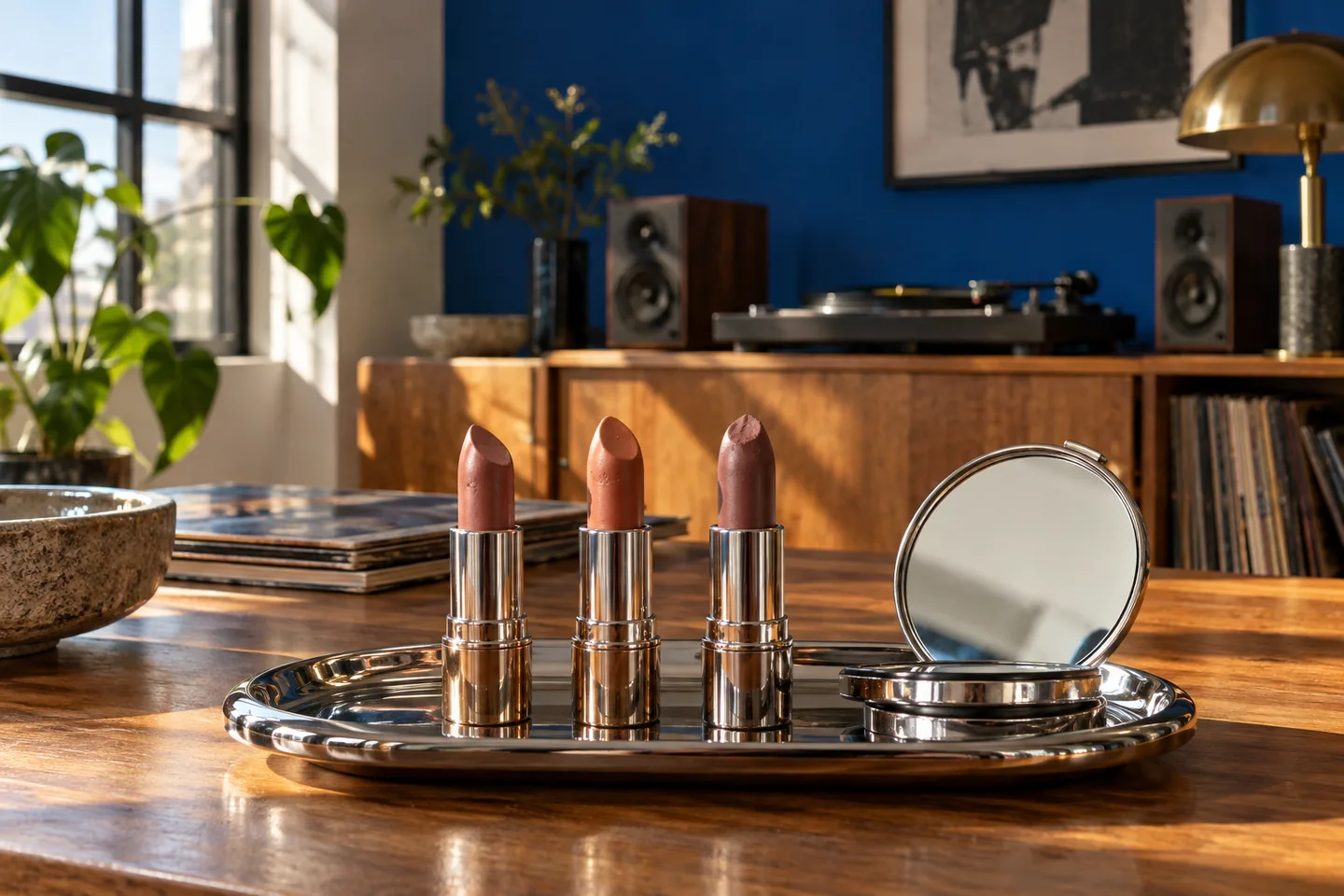
Compare lip depth and color direction on one clear portrait, then verify two candidates on your own lips in ordinary light.
Read guide →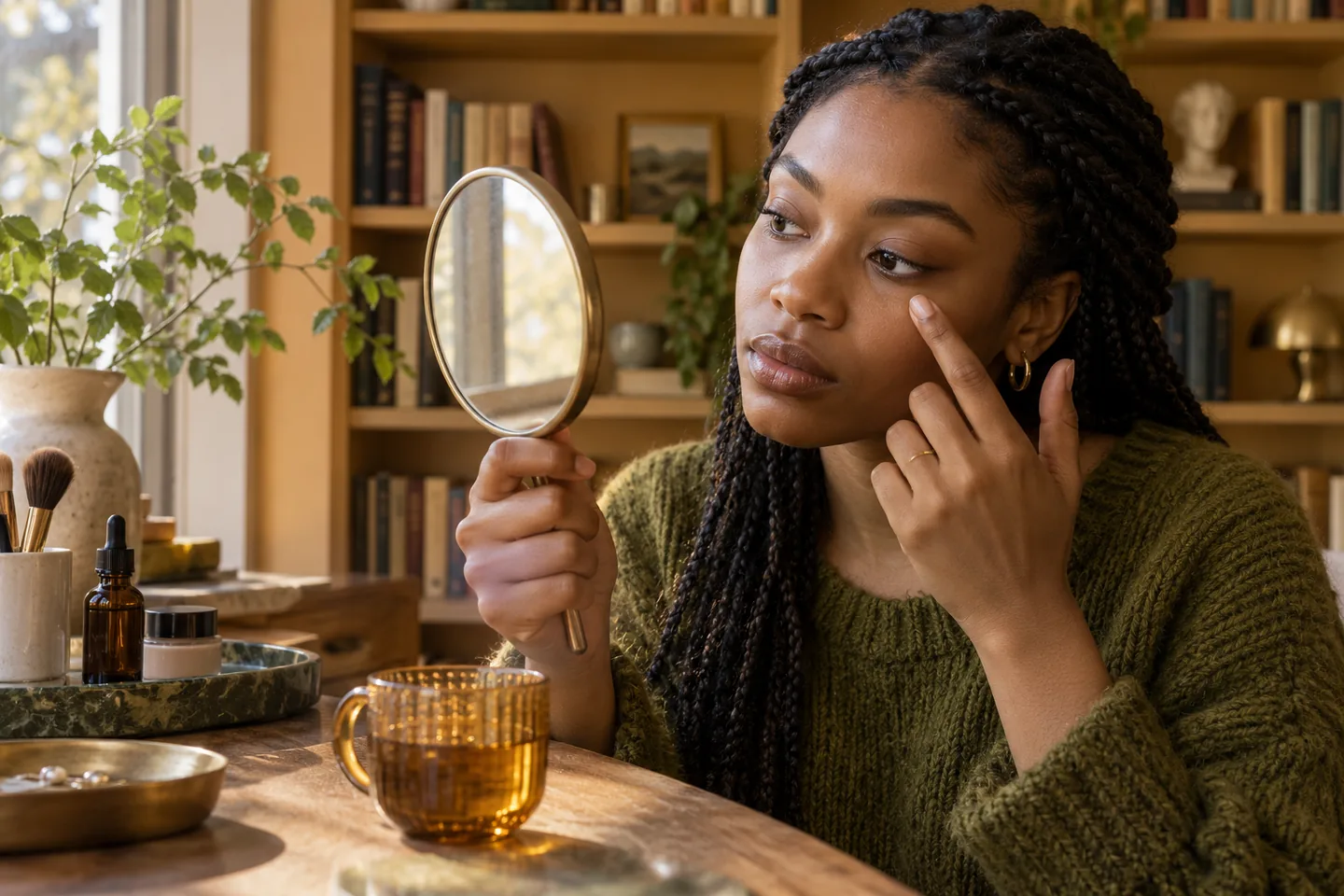
Read the color and the shadow separately, then use a small corrector and thin concealer only where they help.
Read guide →
Map a line with your eyes open, compare one placement at a time and test the real liner before committing.
Read guide →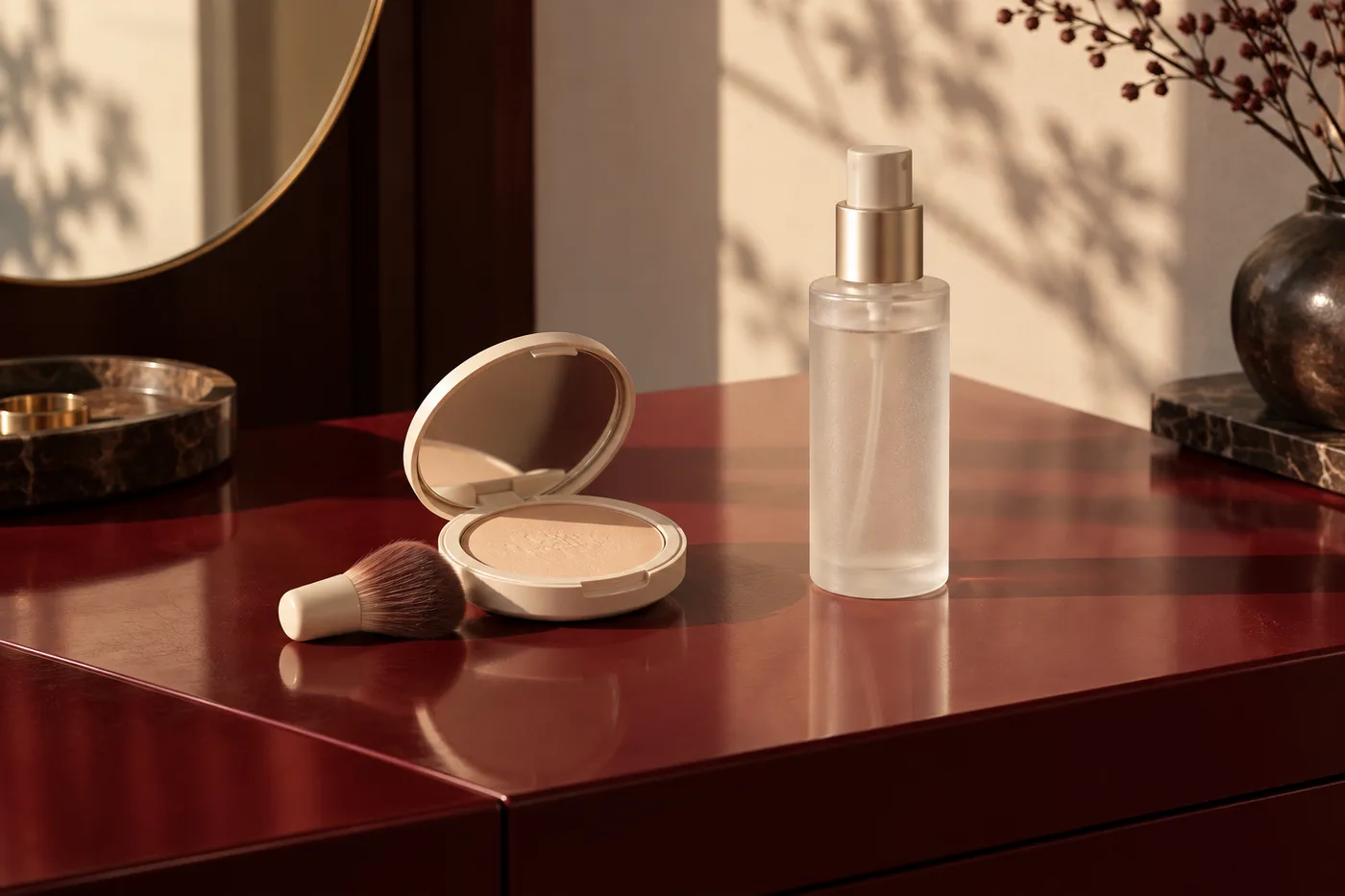
Separate shine control, surface finish and wear before adding another layer to your makeup.
Read guide →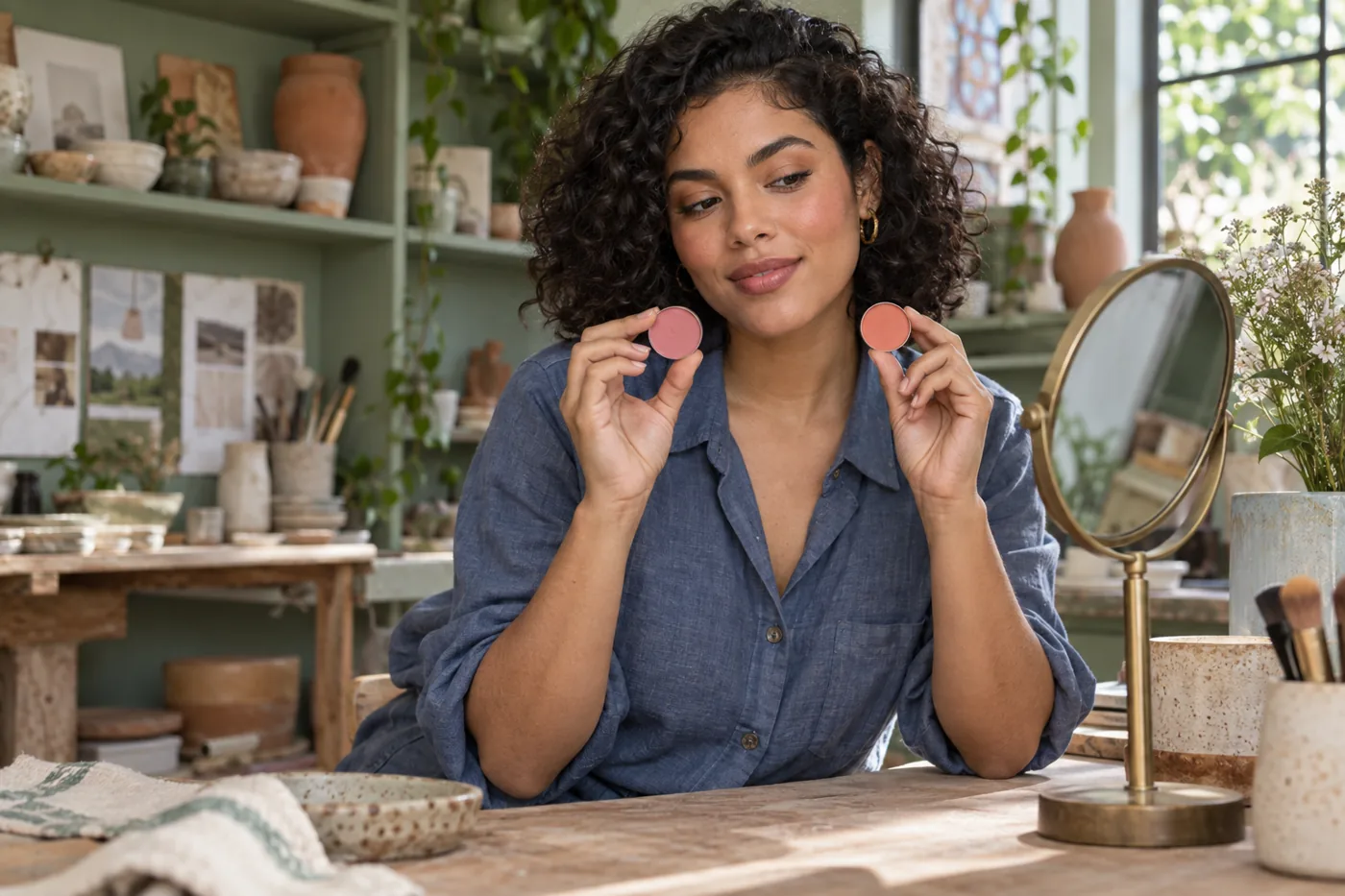
Choose a cheek-color direction without letting stronger pigment, extra shimmer or a different placement decide for you.
Read guide →
Find the contact point, reduce excess product, test the finished base and handle a mark according to the fabric label.
Read guide →
Compare undertone direction at one depth, shortlist two shades and check each on your actual jaw and neck.
Read guide →
Use the opening date, package guidance and condition of each formula to make a calm keep-or-replace decision.
Read guide →
Compare three distinct color directions on one clear portrait, then check a short list with real shadow and the light you actually use.
Read guide →
Match the remover to the mascara, give it time to loosen the film and use clean downward passes instead of repeated scrubbing.
Read guide →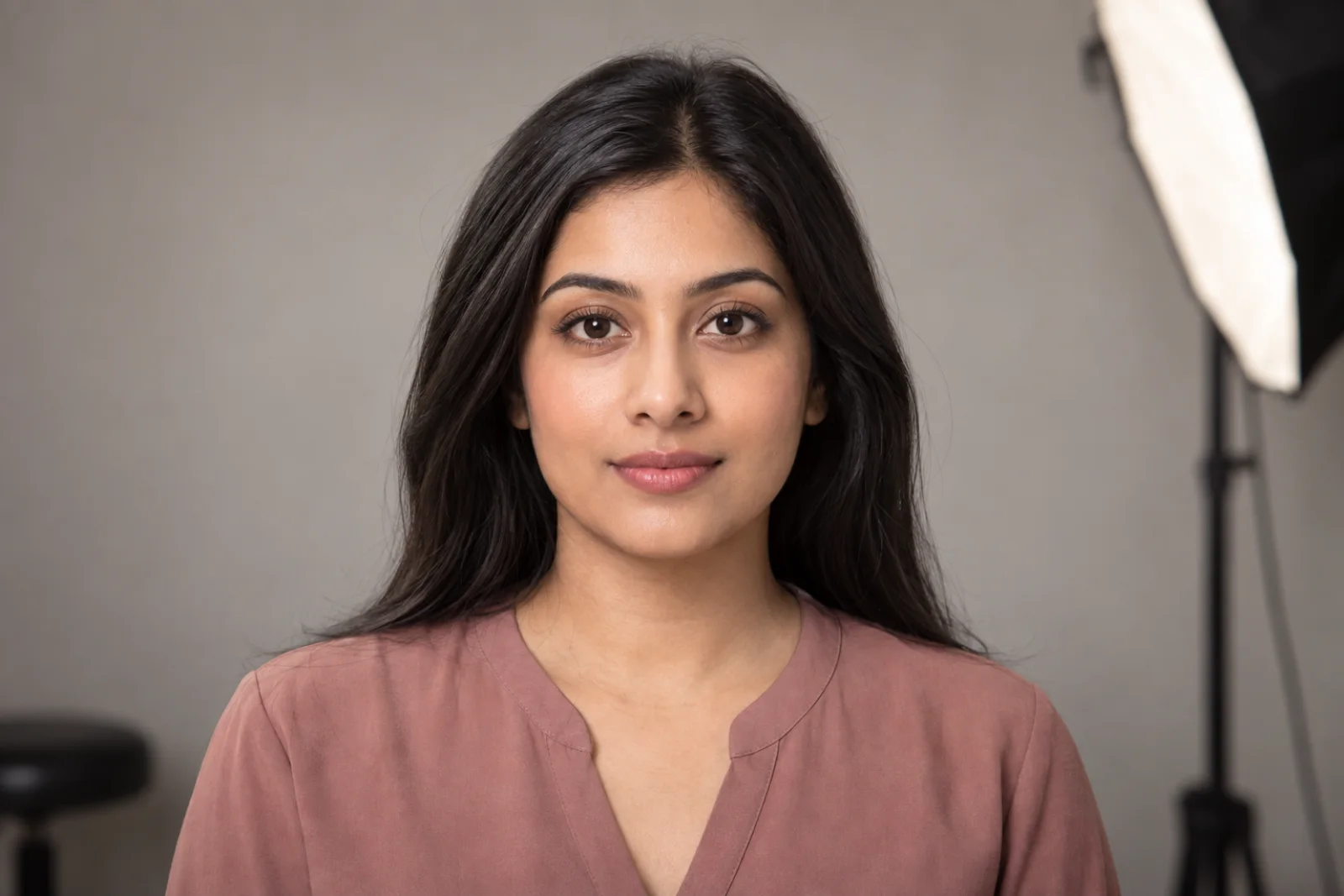
Plan restrained definition, rehearse it in even light and keep the official image recognizably yours.
Read guide →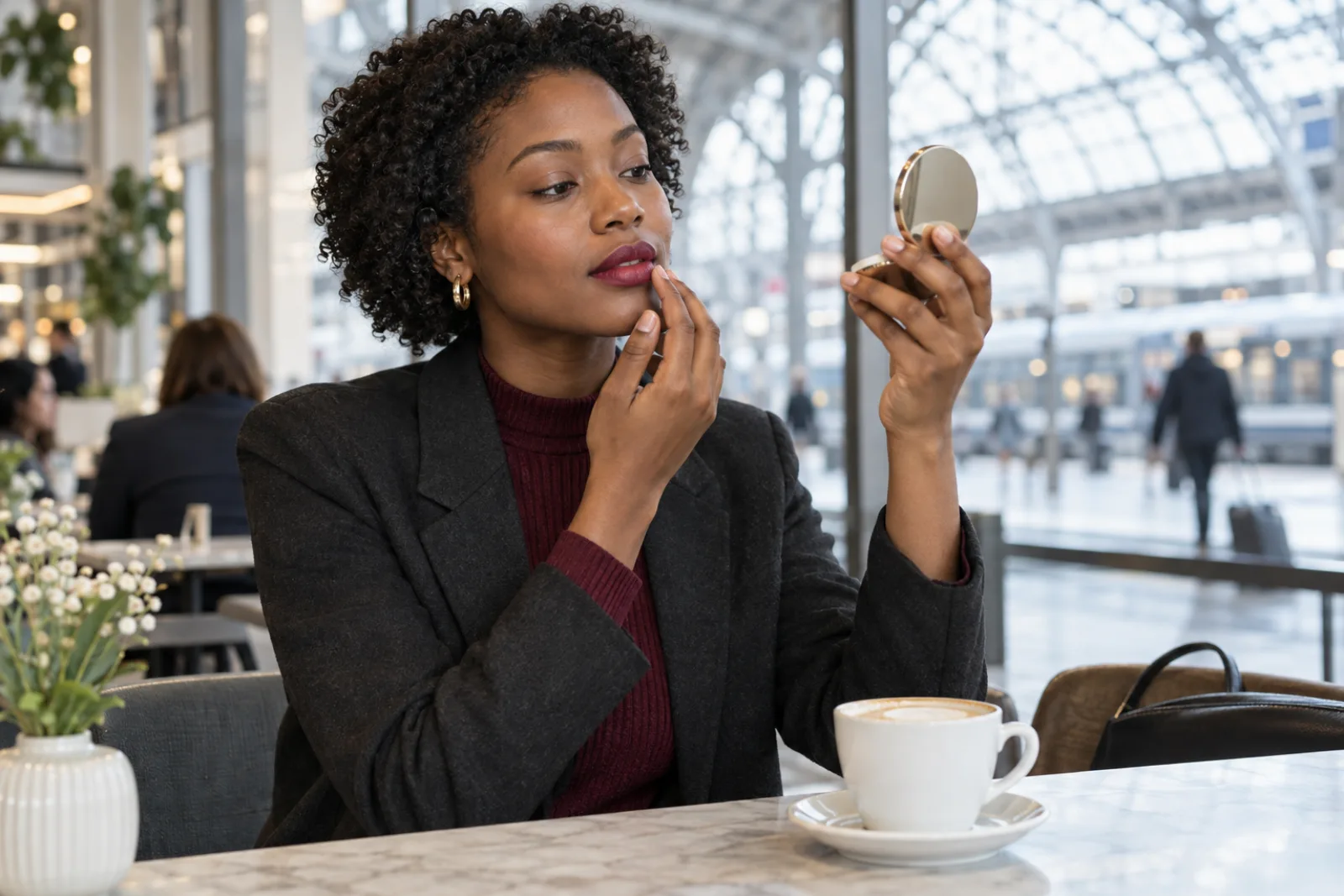
Diagnose where color disappears, then build a thin, comfortable lip routine that survives ordinary talking, drinking and a realistic meal.
Read guide →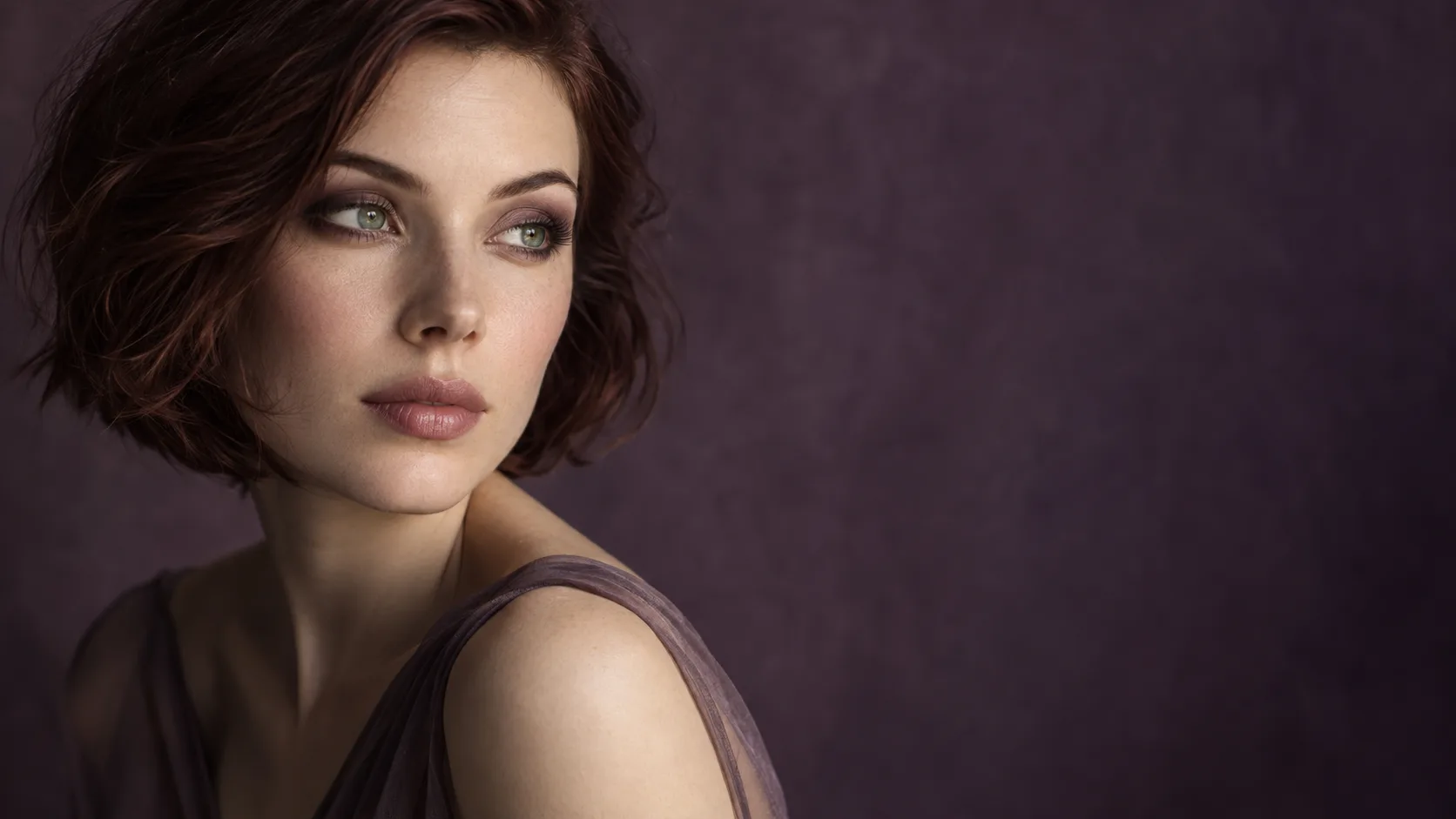
Compare plum, copper and taupe on one clear portrait, then test the strongest direction with real shadow in the light where you will wear it.
Read guide →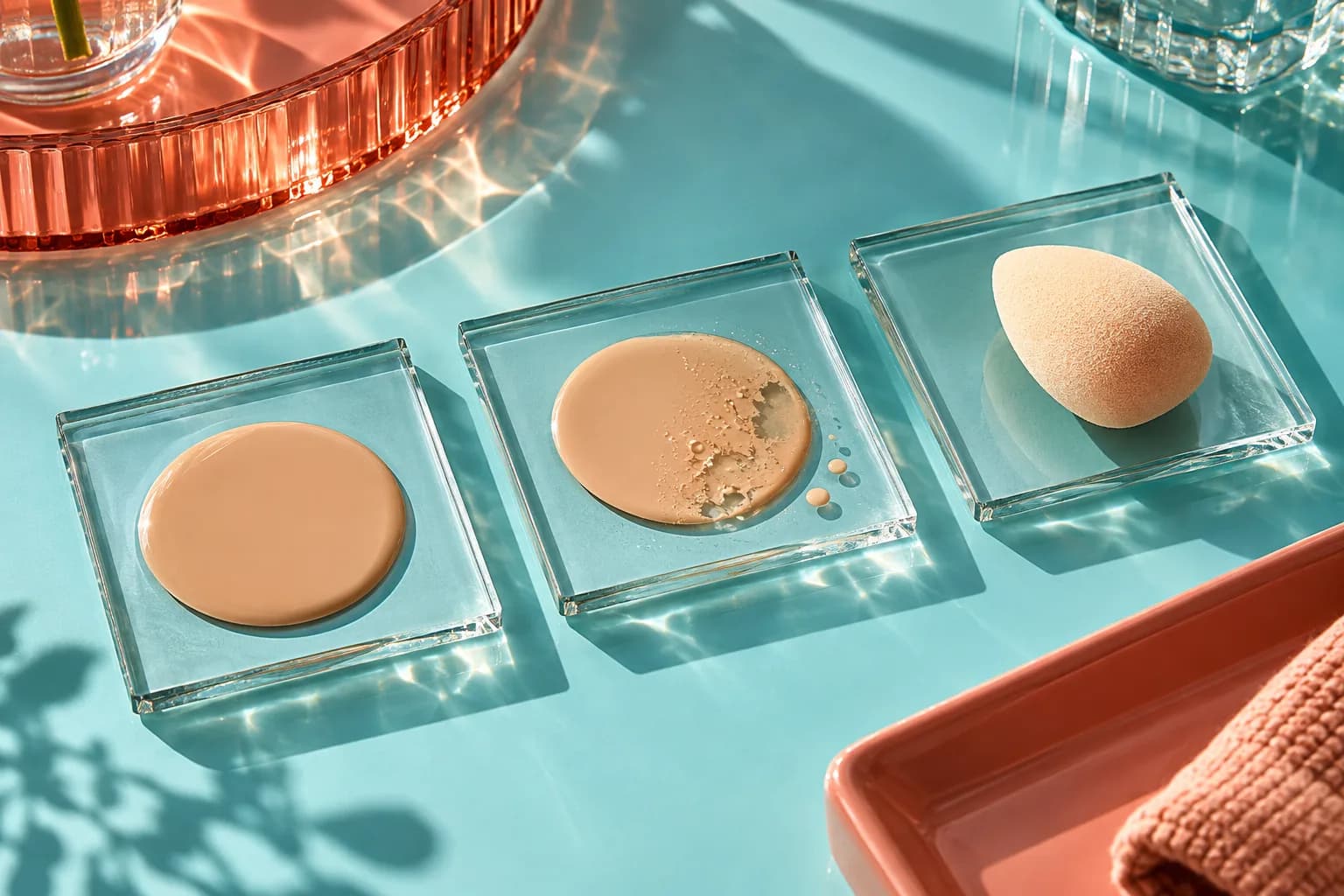
Map where a smooth base first splits, slides or leaves bare islands, then test preparation, amount and contact one variable at a time.
Read guide →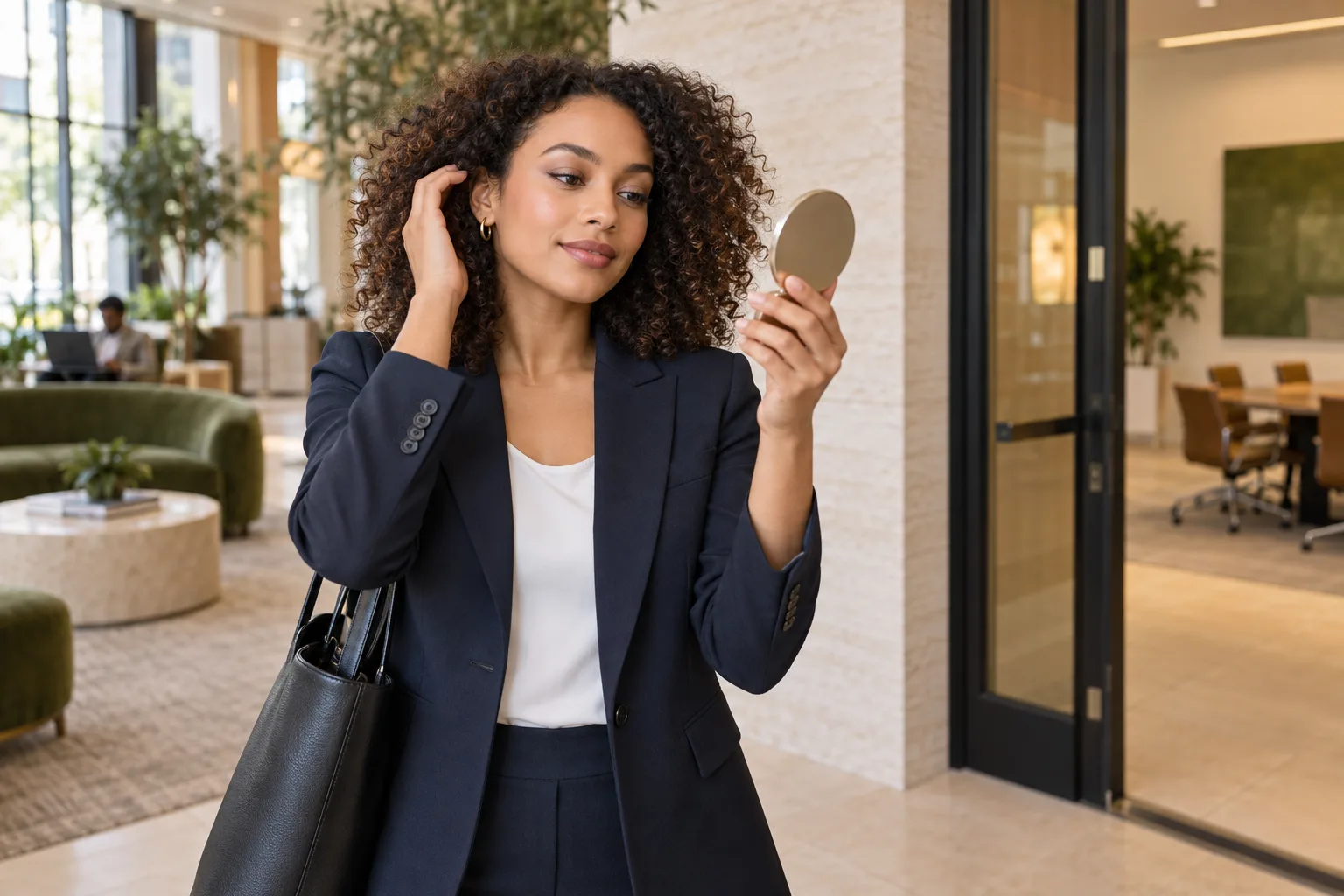
Plan a familiar, comfortable look for an in-person or video interview, then test it in the light and schedule you will actually face.
Read guide →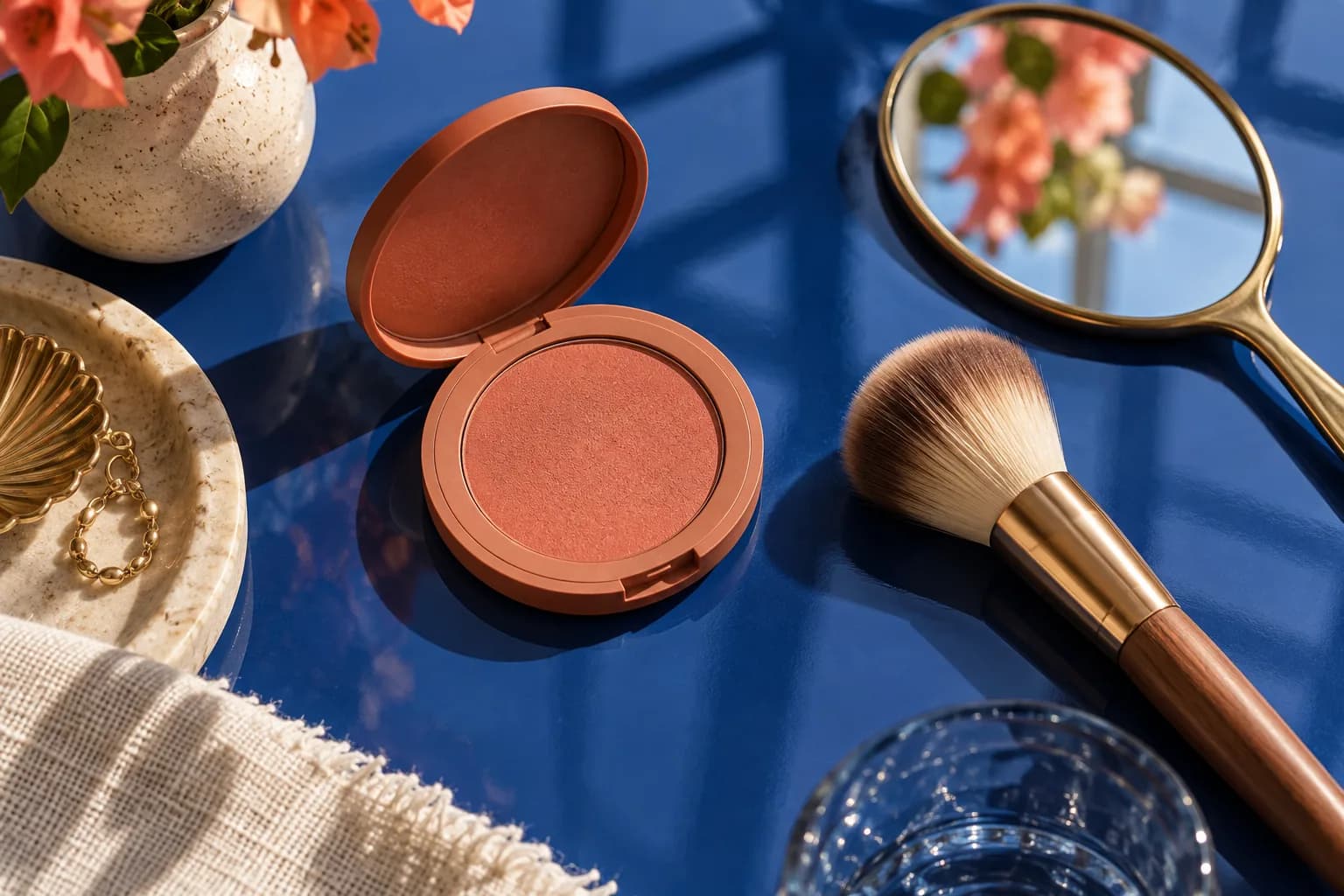
A practical wear test separates real color loss from lighting changes, transfer and a base that moves beneath blush.
Read guide →
Compare eye, brow and lip emphasis on one clear portrait, then put on the actual glasses and check the fit, lenses and wear.
Read guide →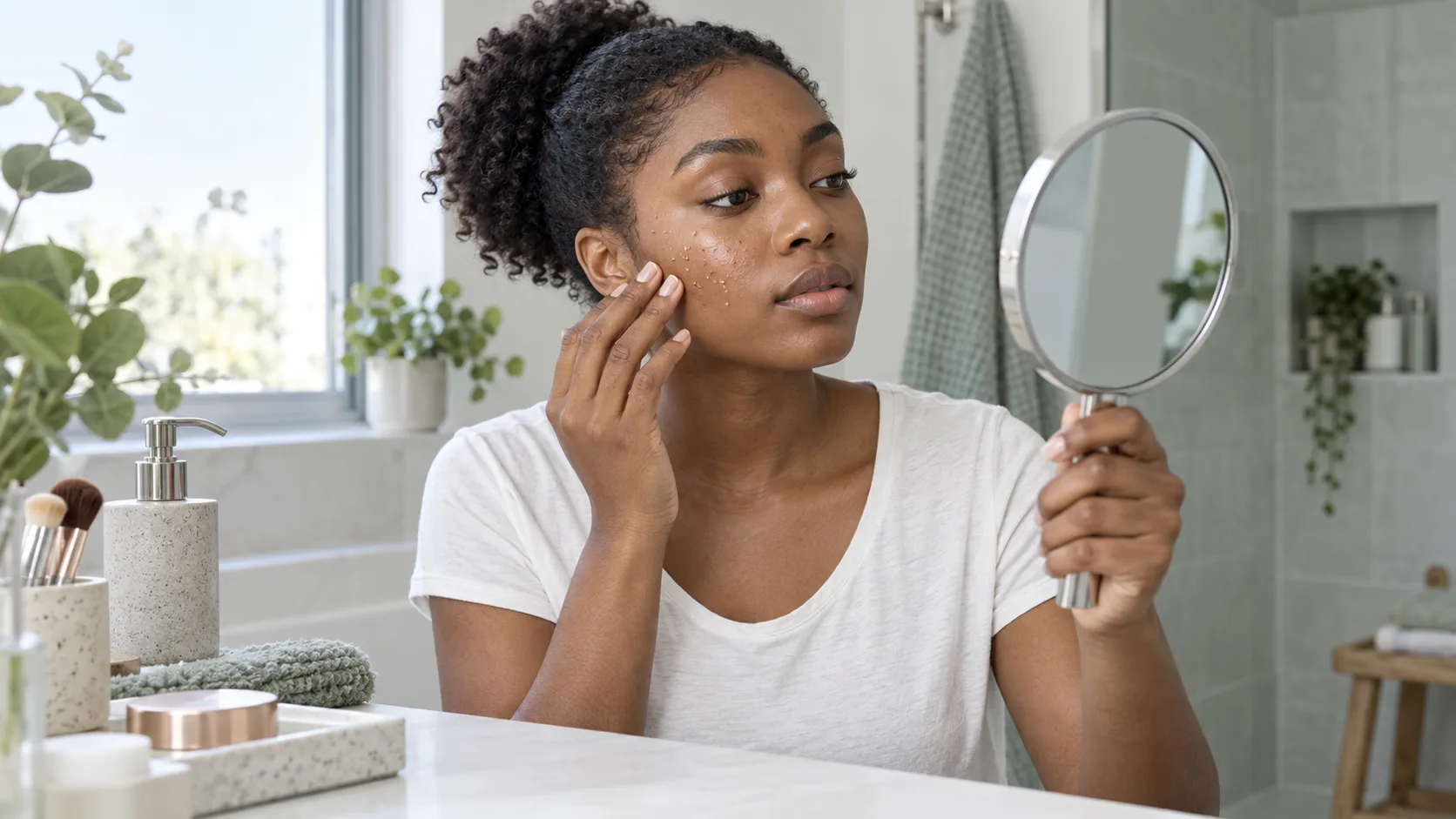
Separate product rolls from dry flakes, locate the first unstable layer and rebuild a shorter morning routine without sacrificing sunscreen.
Read guide →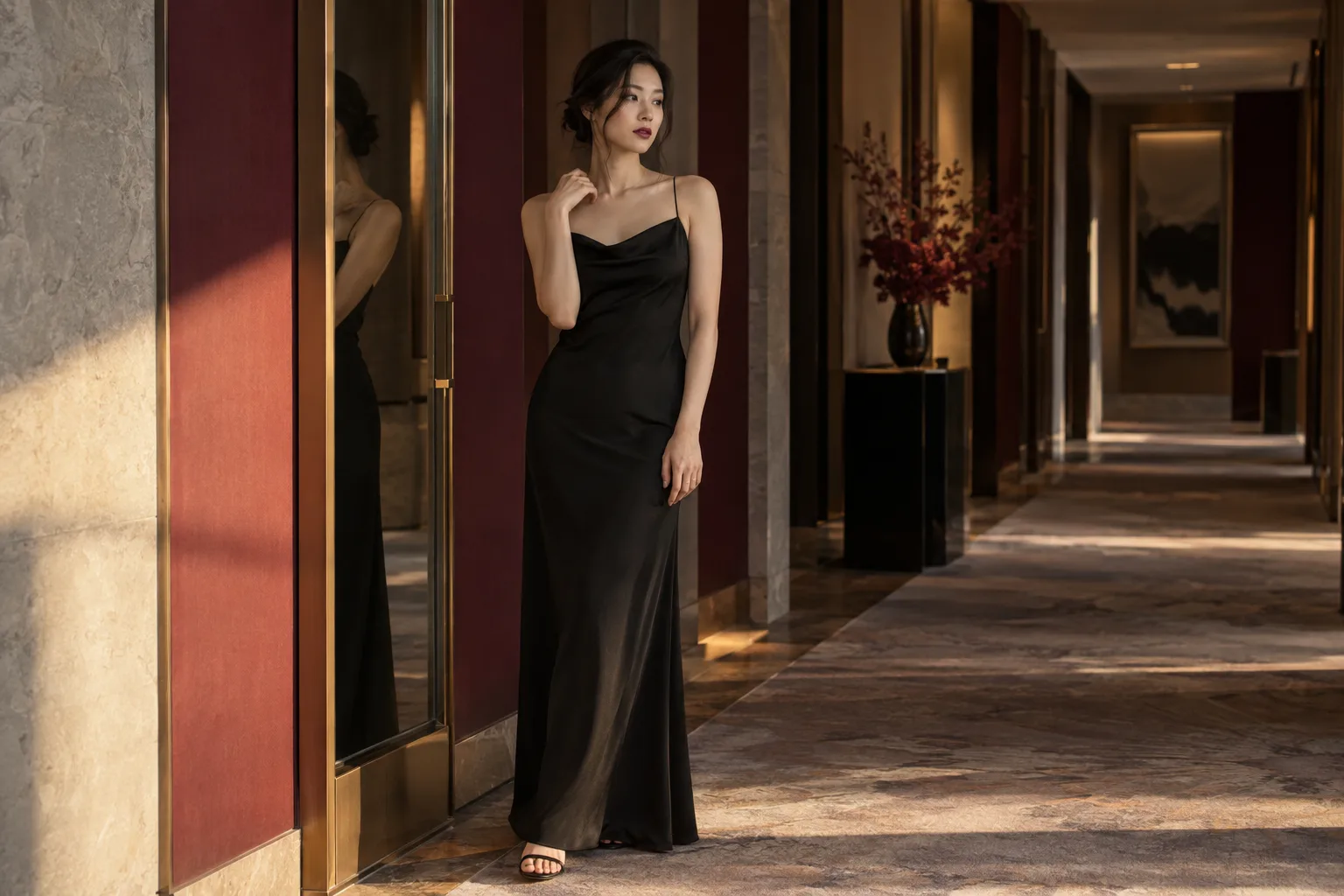
Let the dress, jewelry and actual light guide three controlled makeup directions before you commit to products.
Read guide →
Find the layer that moves first, then test a thinner base, controlled shadow and a real midday wear check.
Read guide →
Compare a few intentional glow placements on one portrait, then check the winner with real product in daylight.
Read guide →
Find out whether the mark is a wet stamp, oily transfer or dry flaking, then change the smallest part of your routine that can solve it.
Read guide →
Compare three useful color families on one steady portrait, identify the effect you prefer and verify it with real powder in the light you actually use.
Read guide →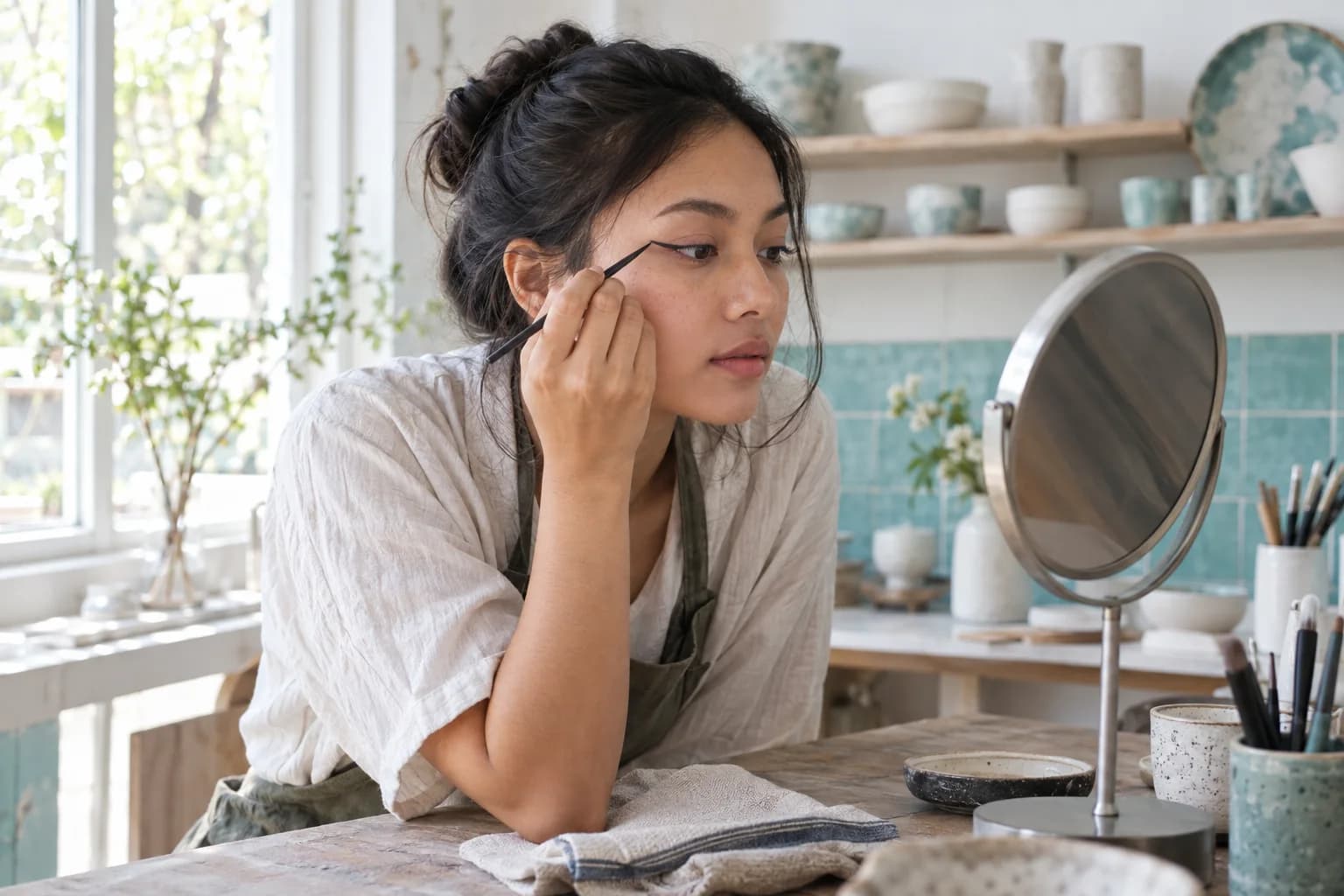
Map the effect with relaxed eyes, build both wings in small passes and correct the weaker side without turning two fine flicks into heavy triangles.
Read guide →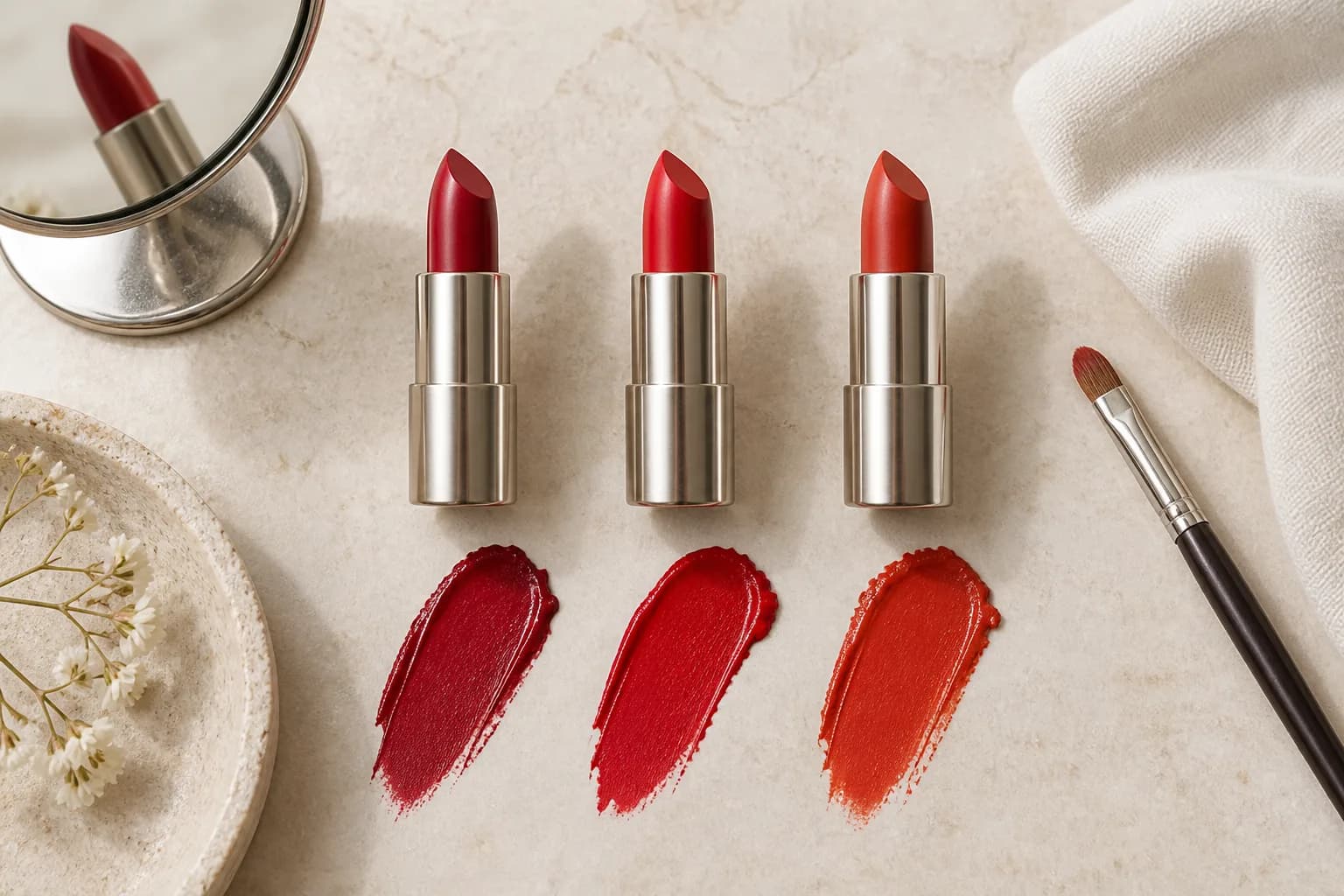
Compare three useful red families on one stable portrait, then verify the winner with real lipstick, real light and a realistic wear check.
Read guide →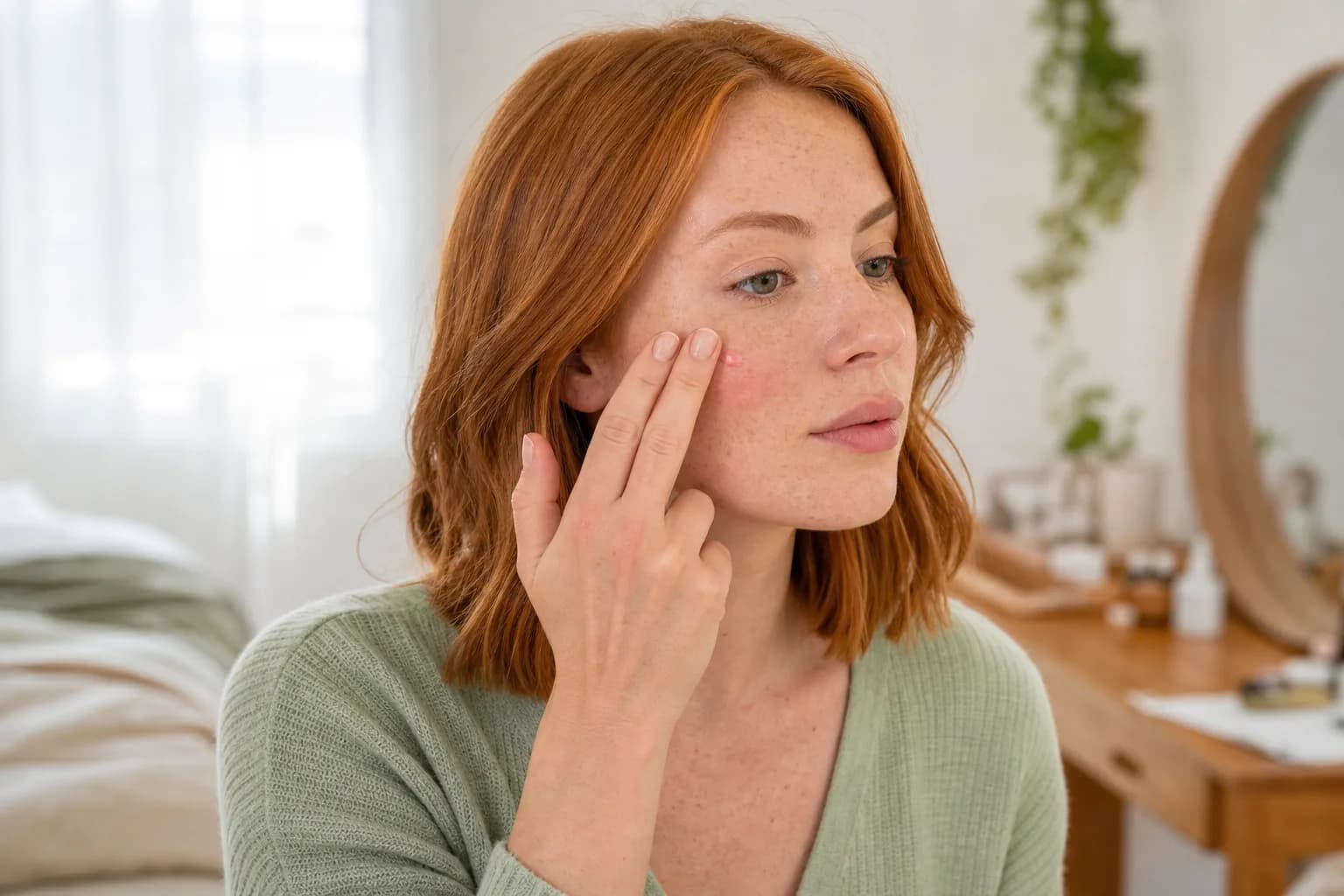
Diagnose the base, formula, tool and pressure behind uneven blush, then repair the finish without piling on more pigment.
Read guide →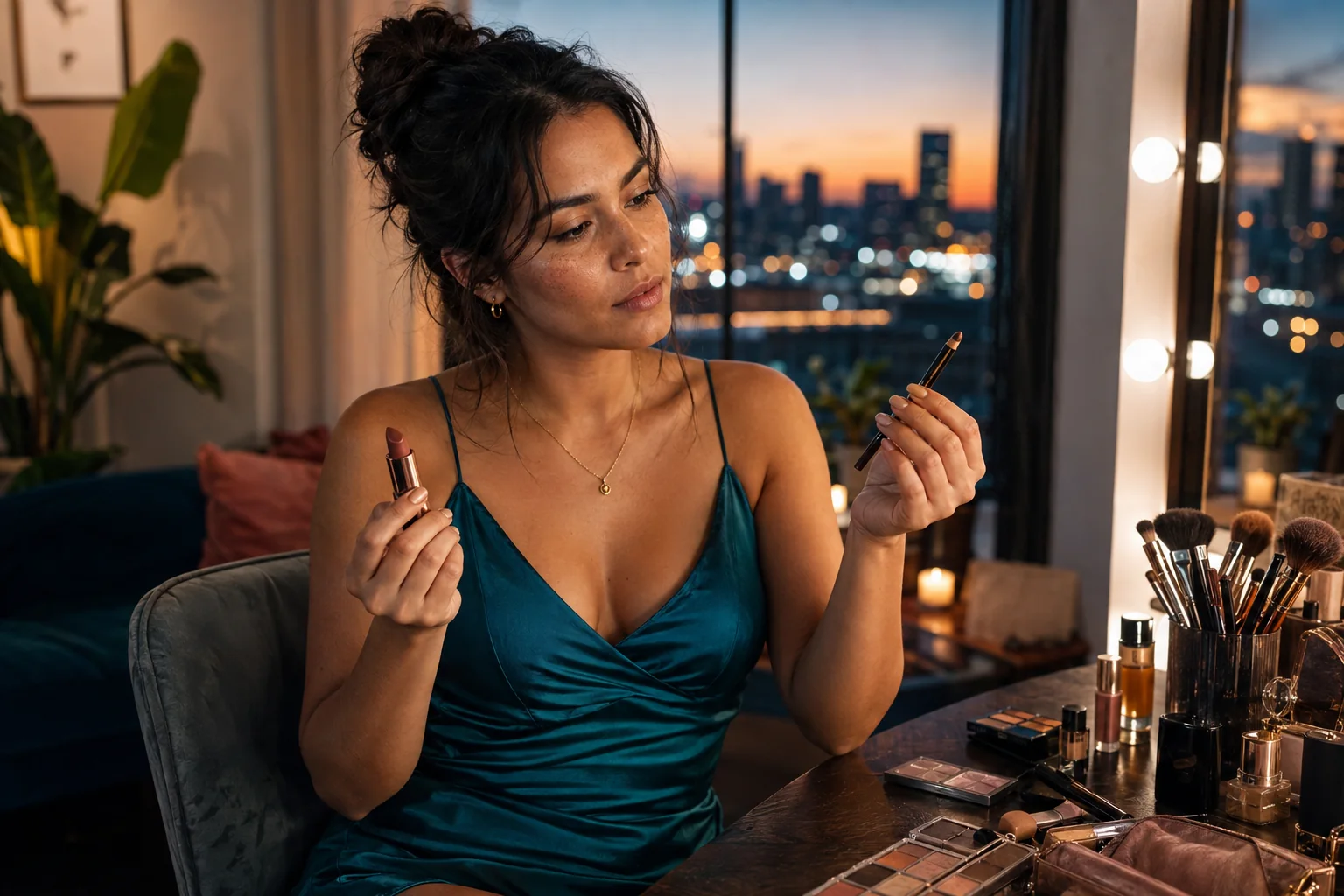
Compare an eye-led and a lip-led direction, then turn the stronger idea into a comfortable real-world routine.
Read guide →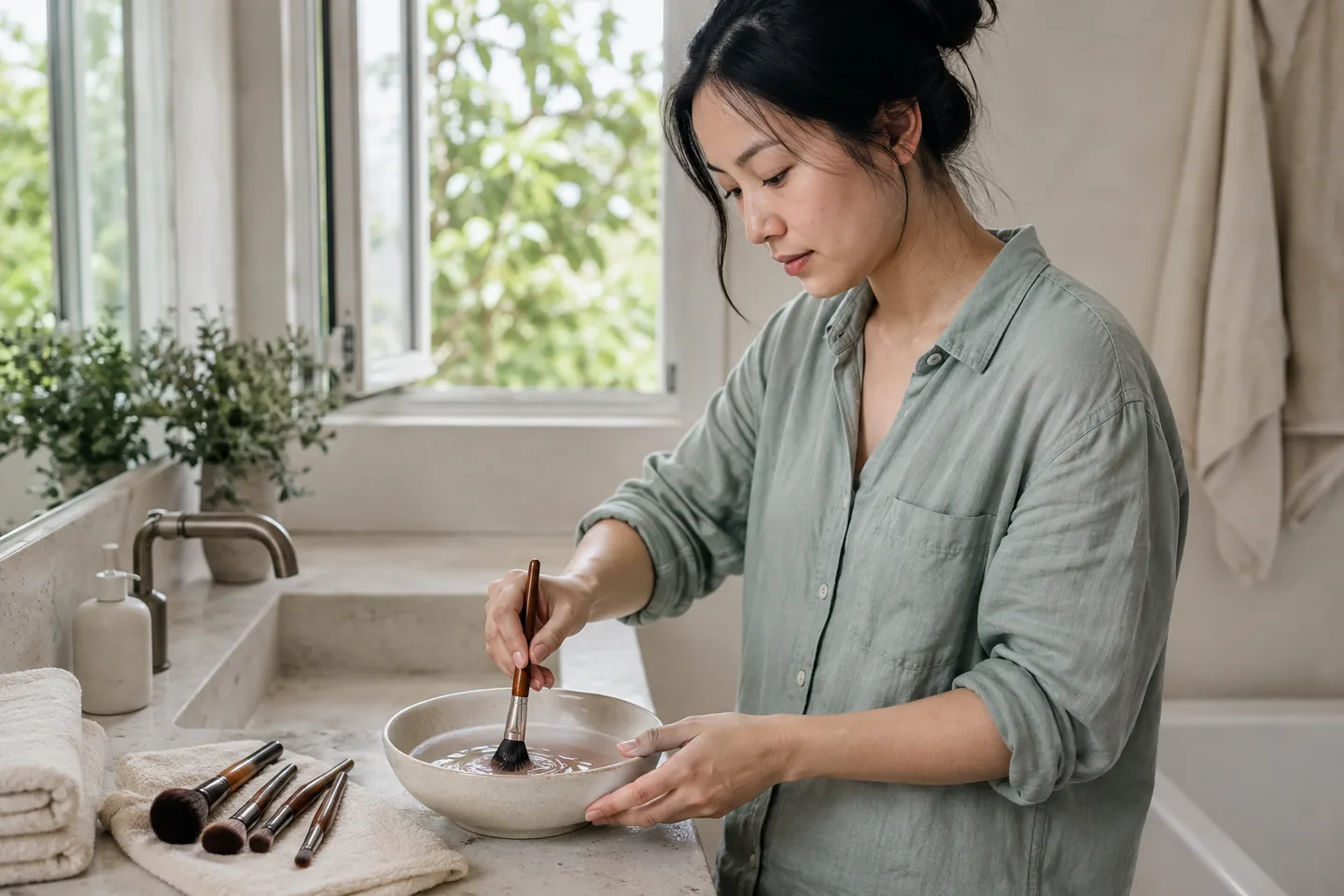
A practical wash, rinse, dry and storage routine that protects the bristles, ferrule and your next makeup application.
Read guide →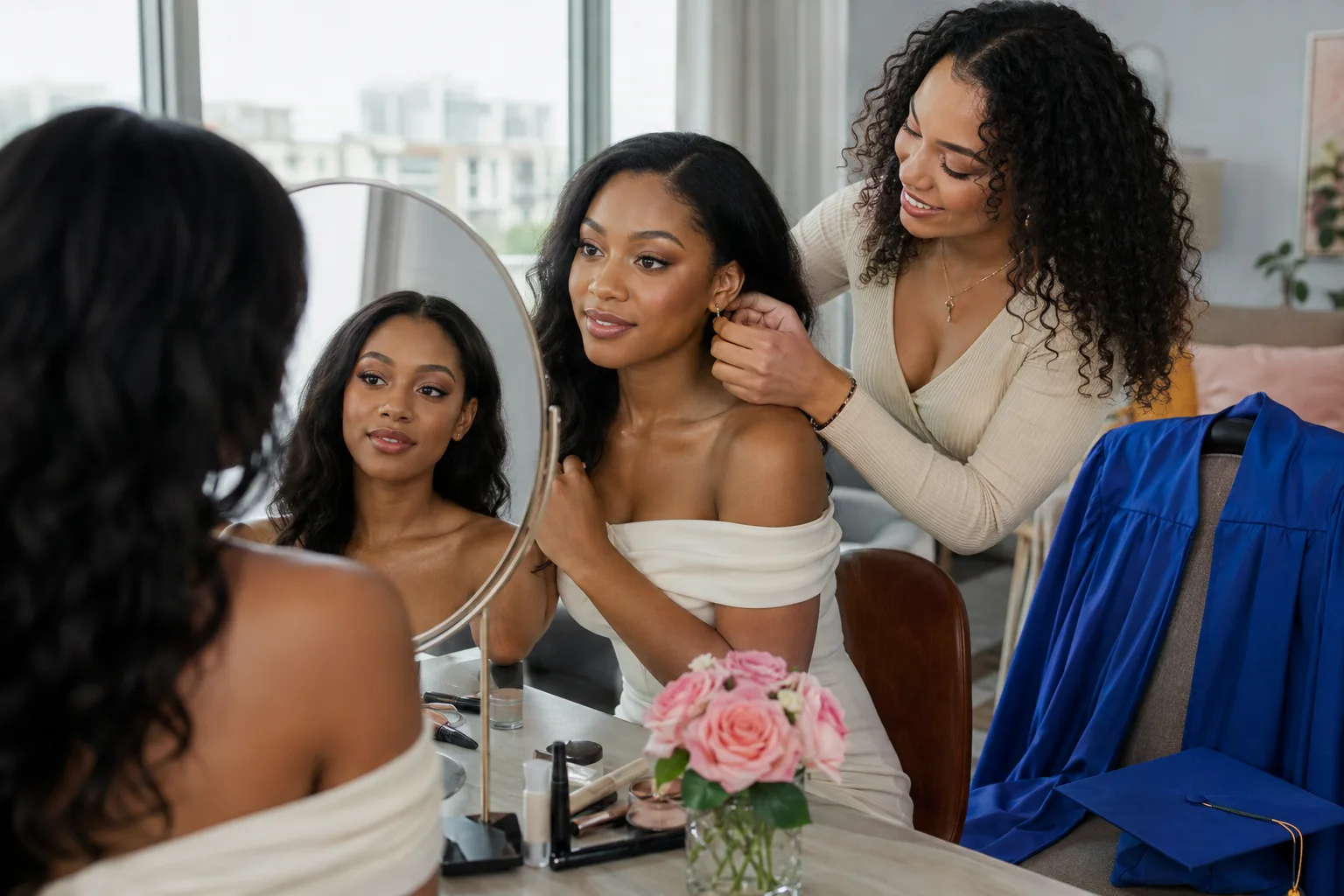
Choose a look that still feels like you through daylight, auditorium lighting, portraits, hugs and the celebration after.
Read guide →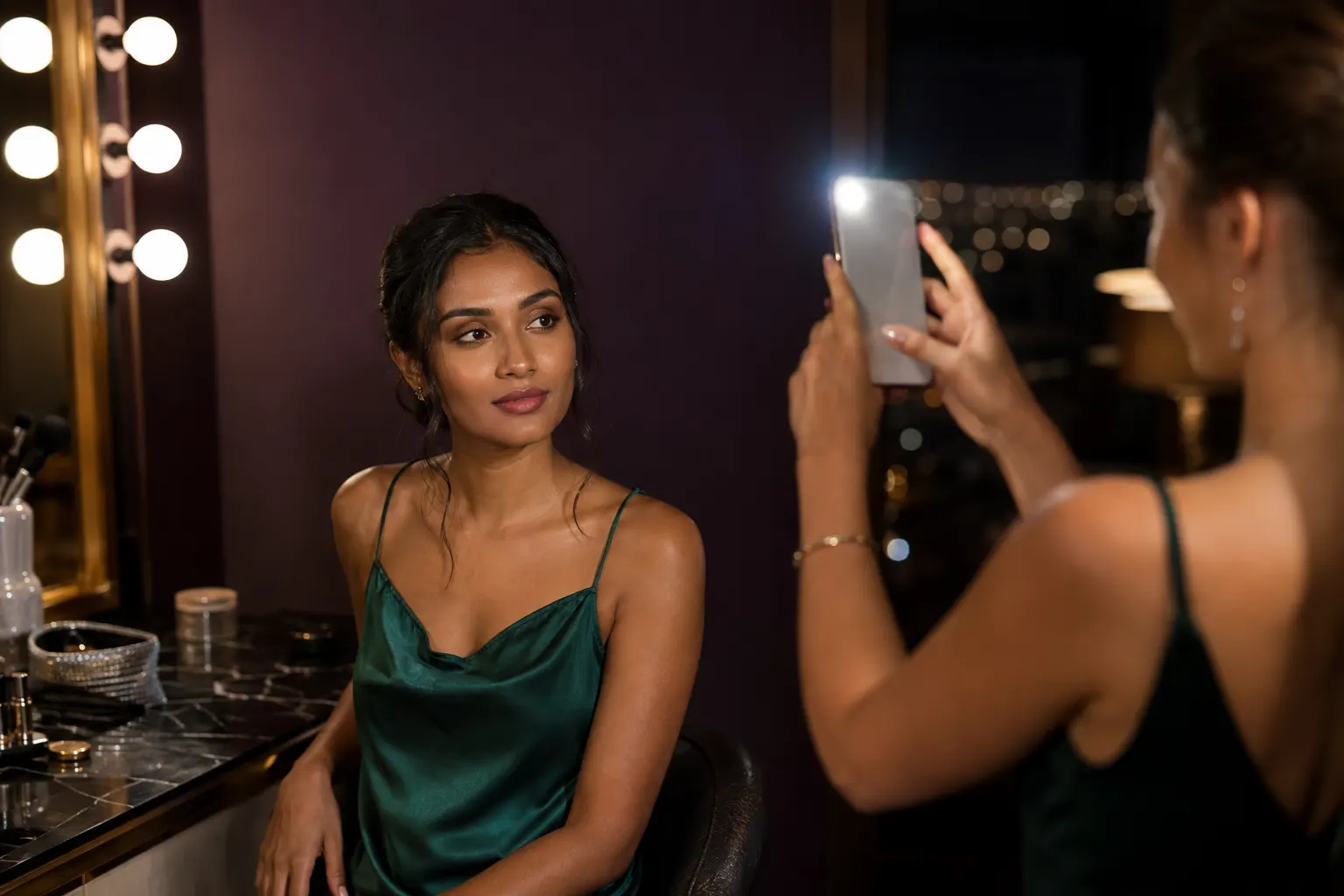
Find the powder, placement, light, or camera condition creating a pale cast before the important photos begin.
Read guide →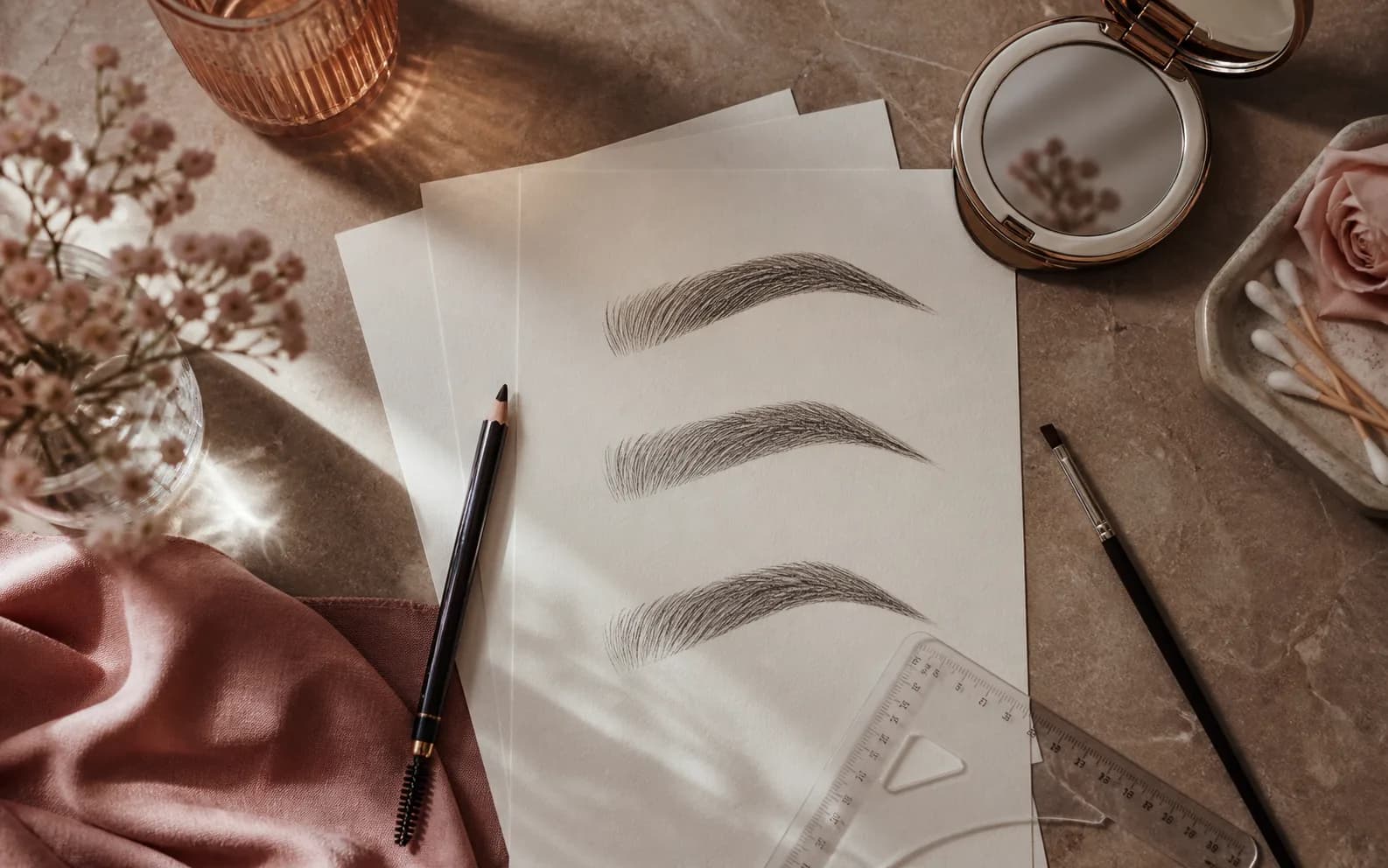
Map a soft starting point, compare one change at a time, and keep the brow that still looks like yours in real light.
Read guide →
Diagnose dry patches, separation, excess coverage, and powder buildup, then rebuild a thinner base that still meets your needs.
Read guide →
A simple checklist for clearer color, placement, and before-and-after comparisons.
Read guide →
Use undertone, contrast, lighting, and personal preference without turning color analysis into a rulebook.
Read guide →Break the visual into base, sculpt, eyes, lips, and finish—then adapt the intensity to your tools and time.
Read guide →
Understand what a generated beauty preview can clarify, what it cannot prove, and how to turn the image into a better decision.
Read guide →Compare warmth, depth, saturation, edge, and finish without mistaking a screen preview for an exact product match.
Read guide →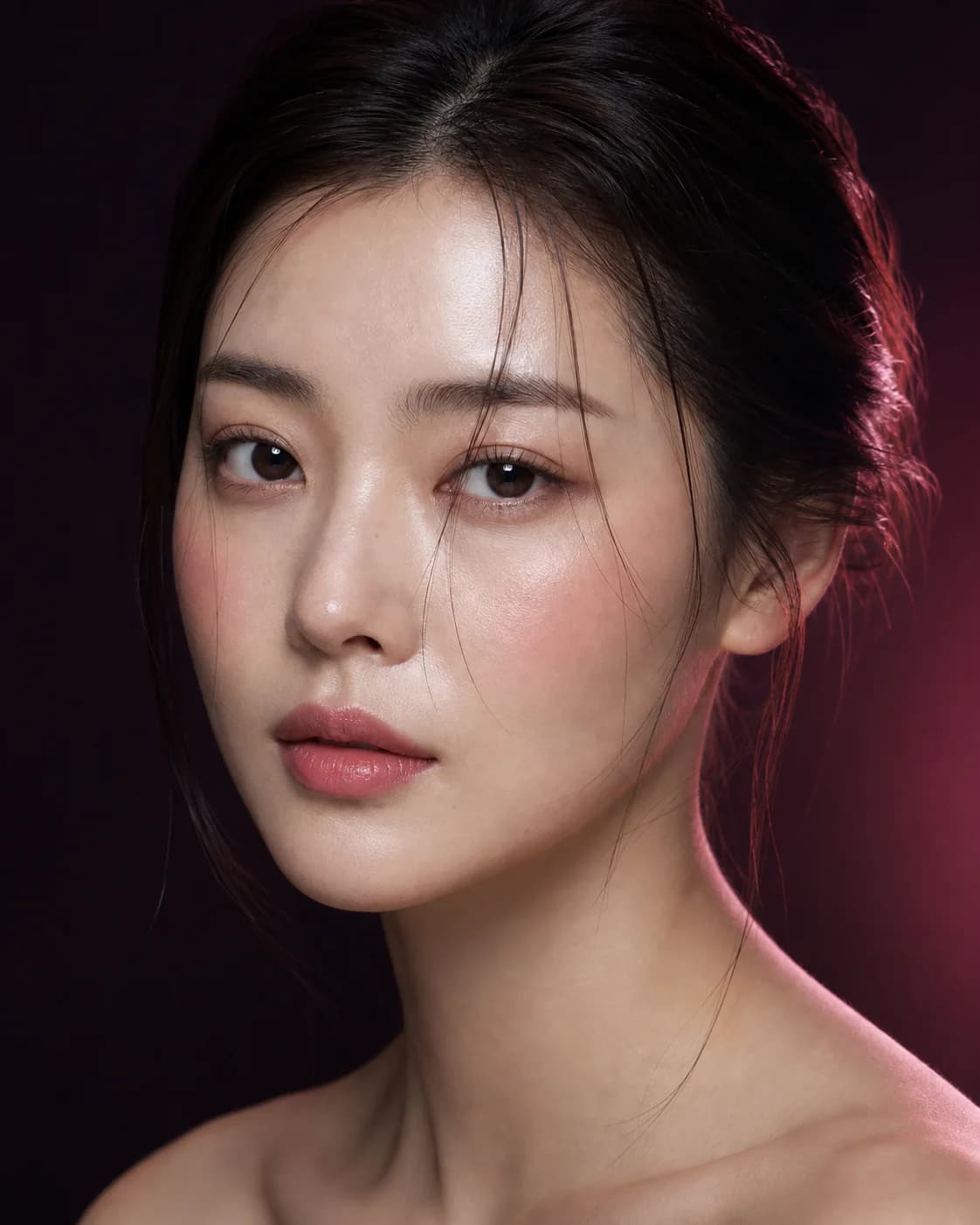
Test central, lifted, sculpted, and sun-kissed placement while keeping color and intensity controlled.
Read guide →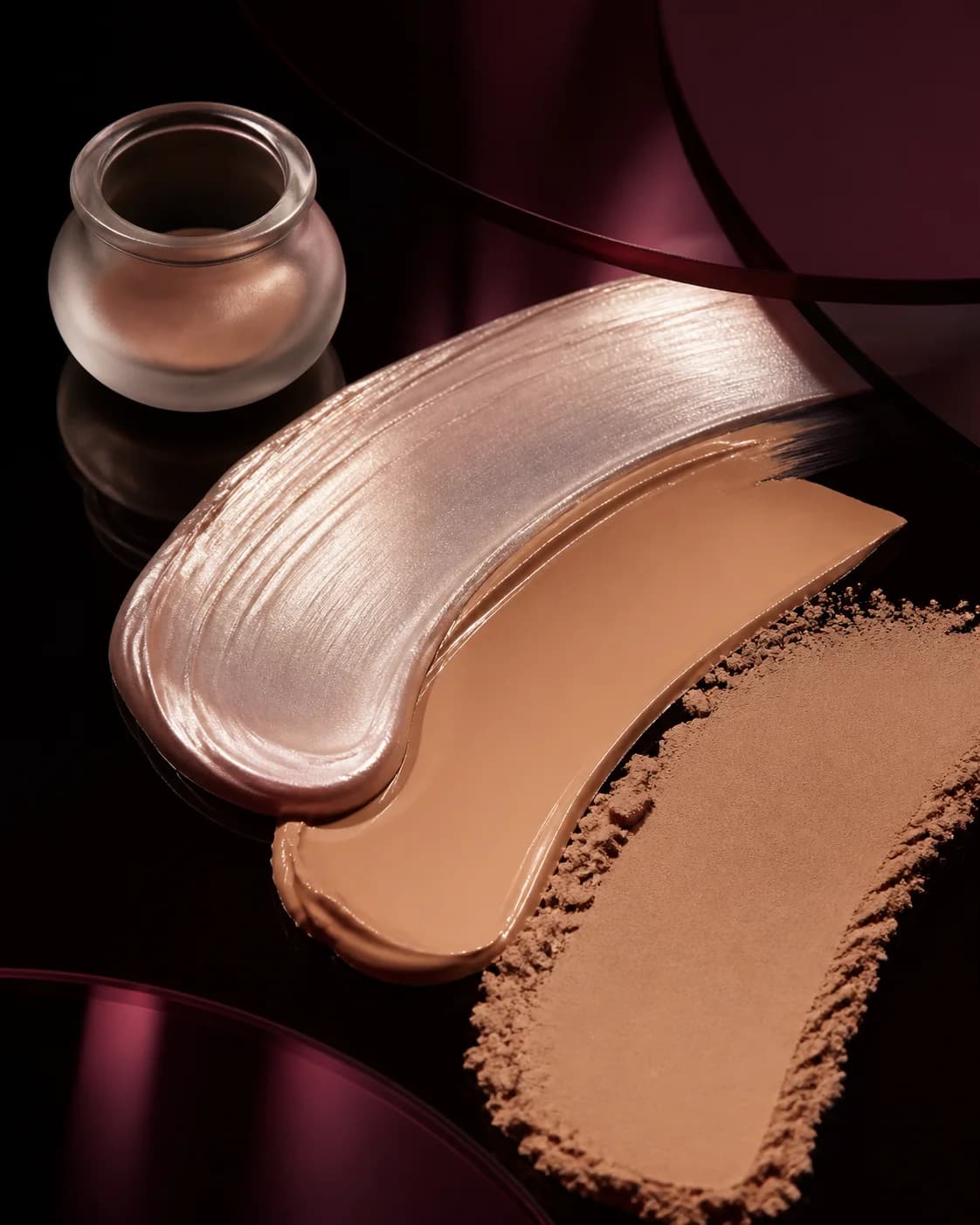
Separate finish from coverage, then test how light, texture, placement, and the rest of the look change the decision.
Read guide →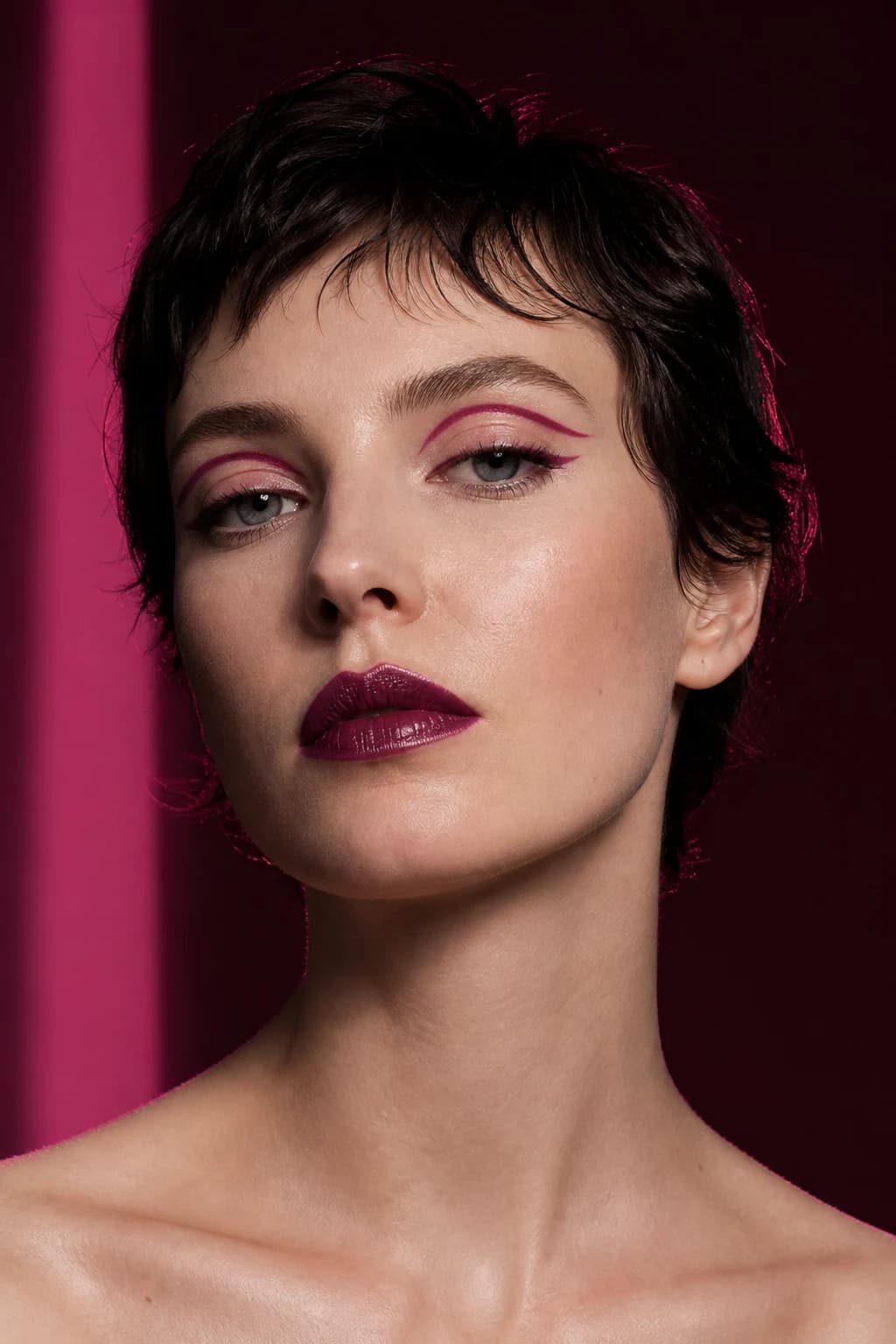
Choose a readable reference, identify the creative direction, review the transfer critically, and rebuild the useful parts.
Read guide →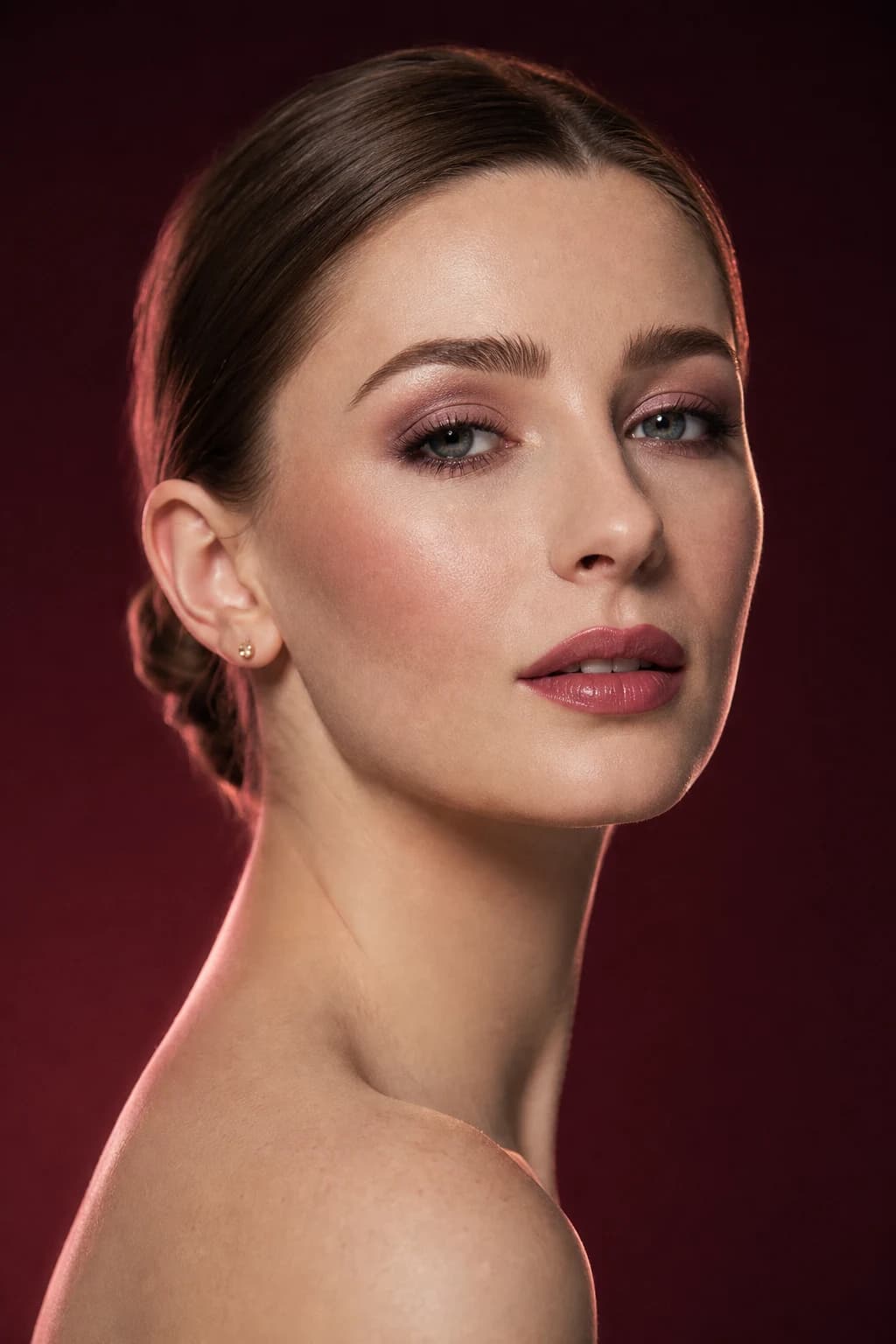
Keep one signature direction, then increase contrast, definition, and reflectivity without rebuilding the entire face.
Read guide →Turn dress, venue, photography, comfort, and artist communication into a focused bridal makeup shortlist.
Read guide →
Use frame color, scale, lens effect, brows, eyes, cheeks, and lips as one composition instead of treating glasses as an obstacle.
Read guide →
Test lift, elongation, roundness, depth, liner, and edge softness by the effect you want—not a label you must obey.
Read guide →Use AI for coverage and finish direction, then move the actual shade, undertone, oxidation, and wear decision onto real skin.
Read guide →
Learn how daylight, warm bulbs, cool LEDs, side light, flash, and screen settings can change a beauty decision.
Read guide →Evaluate one look at real viewing distance, in natural light, and through a camera without assuming the photograph is the truth.
Read guide →
Find the repeated color, placement, finish, and mood across saved references, then remove the contradictions.
Read guide →
Compare contrast, warmth, depth, brows, cheeks, and lips around the new hair direction without rebuilding your identity around a palette rule.
Read guide →
Translate visible proportions and features into experiments while keeping identity, taste, expression, and creative freedom in control.
Read guide →
Reduce several beauty directions to a small set of products that can create an everyday face, an event variation, and useful touch-ups.
Read guide →
Convert a polished image into tested skin prep, layered placement, photography checks, and a realistic touch-up plan.
Read guide →Build a cohesive cheek-and-lip palette by comparing undertone, depth, saturation, finish, and the feature you want to lead.
Read guide →
Plan a soft glam makeup look through skinlike coverage, blended definition, a controlled palette, and one clear focal point.
Read guide →Build a believable no-makeup makeup look with selective coverage, quiet definition, skin-related color, and a finish that survives real light.
Read guide →
Compare brown vs black eyeliner through contrast, line weight, finish, context, and real-life testing—not universal rules about who can wear each color.
Read guide →
Control feathering by matching preparation, edge support, formula, layers, and a real wear test instead of relying on one universal trick.
Read guide →
Reduce under-eye buildup by separating correction, coverage, placement, powder, and a real wear test.
Read guide →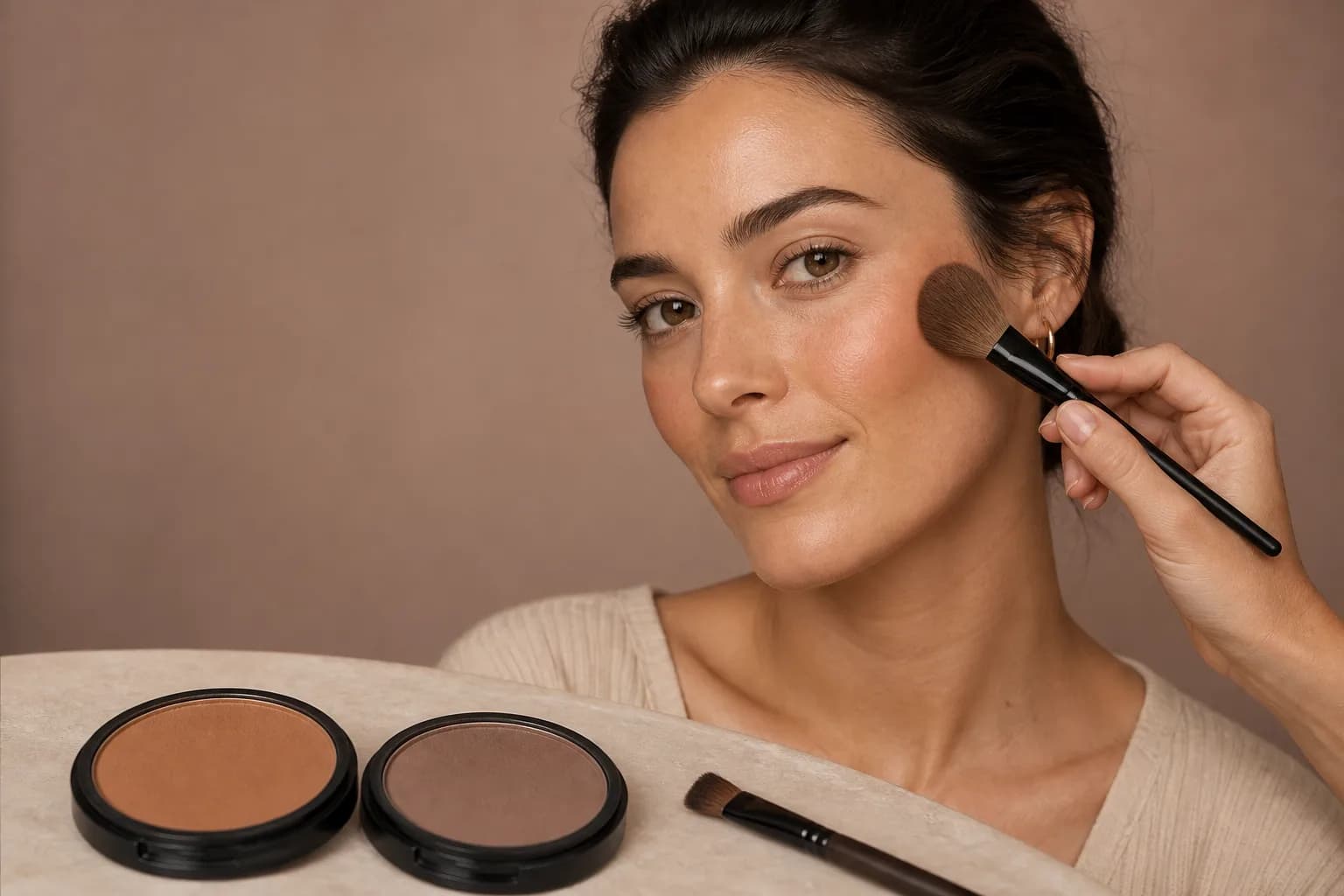
Separate warmth from sculpting, compare placement on one portrait, and turn the best direction into a light-handed routine.
Read guide →A guide for every stage
Use the selfie and lighting guides when the source itself may be changing color, edge, symmetry, or visible texture. A better baseline improves every later comparison.
Use undertone, lipstick, hair-color, and lighting guides to organize families and relationships. Keep the palette flexible and verify real products outside the screen.
Use placement and face-analysis guides to test direction, scale, and focal point without turning face or eye labels into fixed beauty rules.
Use complexion guides to separate shade, coverage, and reflectivity. Preview the intended surface, then swatch and wear-test the actual skincare and makeup combination.
Use inspiration and routine guides when the image is appealing but still too vague. Extract the anchor, layers, tools, order, time, and adaptation you need.
Use planning guides when makeup has to work with frames, venue light, camera distance, long wear, travel limits, or a professional trial.
Our approach
We explain tradeoffs, keep AI limitations visible, and treat undertone, face shape, and trend language as flexible creative frameworks—not rules about what you should wear.
A complete look can answer a mood question. A controlled category test can answer a shade or placement question. Mixing both without a goal creates noise.
Change one meaningful variable at a time whenever you need evidence about color, shape, finish, edge, or intensity.
Use the preview to narrow direction. Use swatches, wear tests, practice, relevant lighting, and qualified professionals where needed.
Troubleshoot the decision
More generations rarely fix an undefined problem. Identify what is changing, what is missing, or where the screen-to-reality handoff broke; then use the guide that repairs that exact stage.
When warm and cool judgments shift between images, control daylight, room light, screen brightness, camera processing, and existing makeup before comparing another shade. Use the photo and lighting guides to rebuild a trustworthy baseline.
Open the relevant guide →Return to the unedited portrait and compare only two deliberately different directions. Name the feature creating the reaction—color, placement, finish, focal point, or polish—before saving another complete look.
Open the relevant guide →Keep the strongest part of the result and retest lips, eyes, cheeks, brows, complexion, or finish on its own. A partial success is useful evidence when you can explain what remains and what changes.
Open the relevant guide →Describe depth, temperature, saturation, opacity, edge, and reflectivity. Build a shortlist of real products that express the direction, then let swatches, oxidation, texture, comfort, and wear choose the formula.
Open the relevant guide →A generated image skips product behavior and application. Compare the planned layer order with the products and tools you used, photograph the result in relevant light, and decide whether the direction or only the execution needs changing.
Open the relevant guide →Keep the original, one wearable finalist, and one expressive alternative. When you can name the preference and the uncertainty, stop previewing and move to a swatch, practice session, event trial, or artist conversation.
Open the relevant guide →Read the result without over-trusting it
Generative previews can reinterpret light, texture, edges, lashes, brows, and other small details. First judge the question you asked: the lip family, cheek direction, eye shape, complexion finish, or overall makeup mood.
Then name any invented or distracting element. If the color story is useful but the lashes are too dramatic, preserve the palette and remove the lash decision from the brief. A result can teach you something without being a picture you would copy exactly.
Save the original beside one wearable and one expressive option. The set should reveal a preference you can describe—not simply prove that the AI can make many images.
Move from screen to reality
A useful preview gives you language for the next step. Instead of searching for the exact generated product, look for a medium muted berry satin lip, softly lifted peach-rose cheek, compact smoky eye, or controlled satin complexion.
Test real formulas in the light and conditions that matter. Check opacity, oxidation, texture, comfort, transfer, flash, and wear. If an event or professional service is involved, bring the image as a conversation reference and let the expert adapt it.
After the real test, update the saved idea with what actually worked. That turns inspiration into personal knowledge rather than an endless stream of new options.
A guide can help you
A guide cannot replace
A repeatable reading flow
The library is designed to reduce uncertainty, not create twenty more tabs. Leave each article with one experiment and evidence you can add to the next decision.
Write the decision in one sentence: warmer or cooler lip, central or lifted blush, dewy or satin finish, familiar or expressive bridal direction.
Keep the portrait, light, crop, and surrounding makeup stable. Change only the variable the question names whenever possible.
Record shade family, depth, saturation, placement, edge, finish, focal point, and any generated detail you intend to ignore.
Swatch the formula, practice the technique, check relevant light and photography, or take the direction to a qualified professional.
Keep a personal makeup evidence log
Record observations in language that survives a different screen, product, or season. Over time, the library becomes a way to learn your preferences rather than a source of endless new images. Keep the original and date each real-world check so later changes in products, light, technique, or taste remain visible.
Record portrait, lighting, existing makeup, screen, and the feature you controlled so a later comparison begins from the same baseline.
Use temperature, depth, saturation, placement, edge, finish, focal point, and overall mood—not a vague statement that one image looked better.
Note formula, tools, preparation, application time, opacity, oxidation, comfort, wear, flash, and the light in which the choice succeeded or failed.
Turn the evidence into a flexible instruction: soften the edge, lift the placement, reduce shine, deepen the lip, keep the eye compact, or test in daylight first.
“The medium muted berry works when the edge is soft” remains useful even if a lipstick is discontinued or looks different on another screen. Describe the visual relationship and the application choice rather than tying the entire preference to one generated frame.
A shade that feels balanced in daylight may need more depth for evening photography; a lifted cheek may need adapting around glasses; a luminous base may become satin for long wear. Record conditions with the preference so personal guidance remains adaptable rather than prescriptive.
Good to know
Quick answers about where to begin, what a guide can prove, and when the decision needs a real-world test.
Start at the point where the decision is failing. Improve the portrait when the source is unclear, read the AI-preview guide when the result feels convincing but uncertain, use a comparison guide when options blur together, and choose a routine guide when you already like the direction.
No. Choose one guide for one question, make one controlled comparison, and run one real-world check. The library is designed as a decision system, not a course you must finish in order.
No. They can help you describe shade family, depth, saturation, coverage, finish, and placement. Exact color, oxidation, texture, comfort, and wear still require a real product swatch or trial.
No. MaqAI treats those labels as flexible comparison frameworks. They can suggest useful experiments, but your taste, identity, comfort, and the effect you want remain more important than a category label.
You should be able to name what changed, why one option works better, which generated details you intend to ignore, and what you will verify next with real light, products, technique, or professional advice.
From reading to trying
Start with the question that is blocking your decision, keep the test controlled, and save a direction you can verify with real products, light, technique, and wear.