
Explore the whole composition
Generate a coordinated face when the question is mood: natural or dramatic, warm or cool, polished or expressive.
AI makeup generator app
Generate a complete makeup direction from a preset, a written idea, or an inspiration image—then compare it with your original portrait and refine the part that matters.
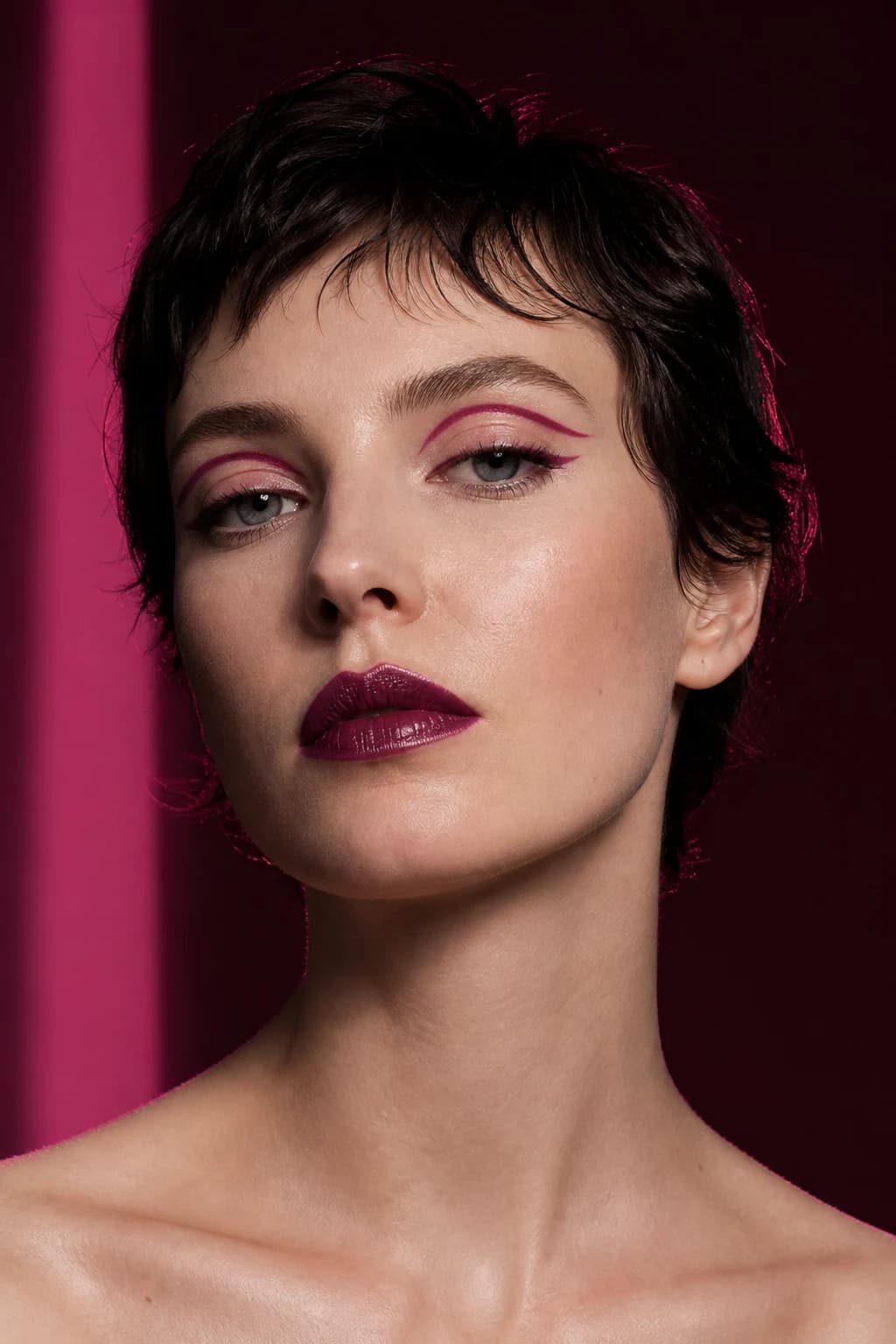
Generate, then evaluate
Use the MaqAI AI makeup generator to explore a full aesthetic such as soft glam, bronze, clean makeup, 90s supermodel glam, bridal soft, or editorial color on a portrait you recognize.
Then isolate the lip, cheek, eye, complexion, brow, or finish carrying the result. The useful output is a preference you can name and test—not a promise that a real formula will match every generated pixel.
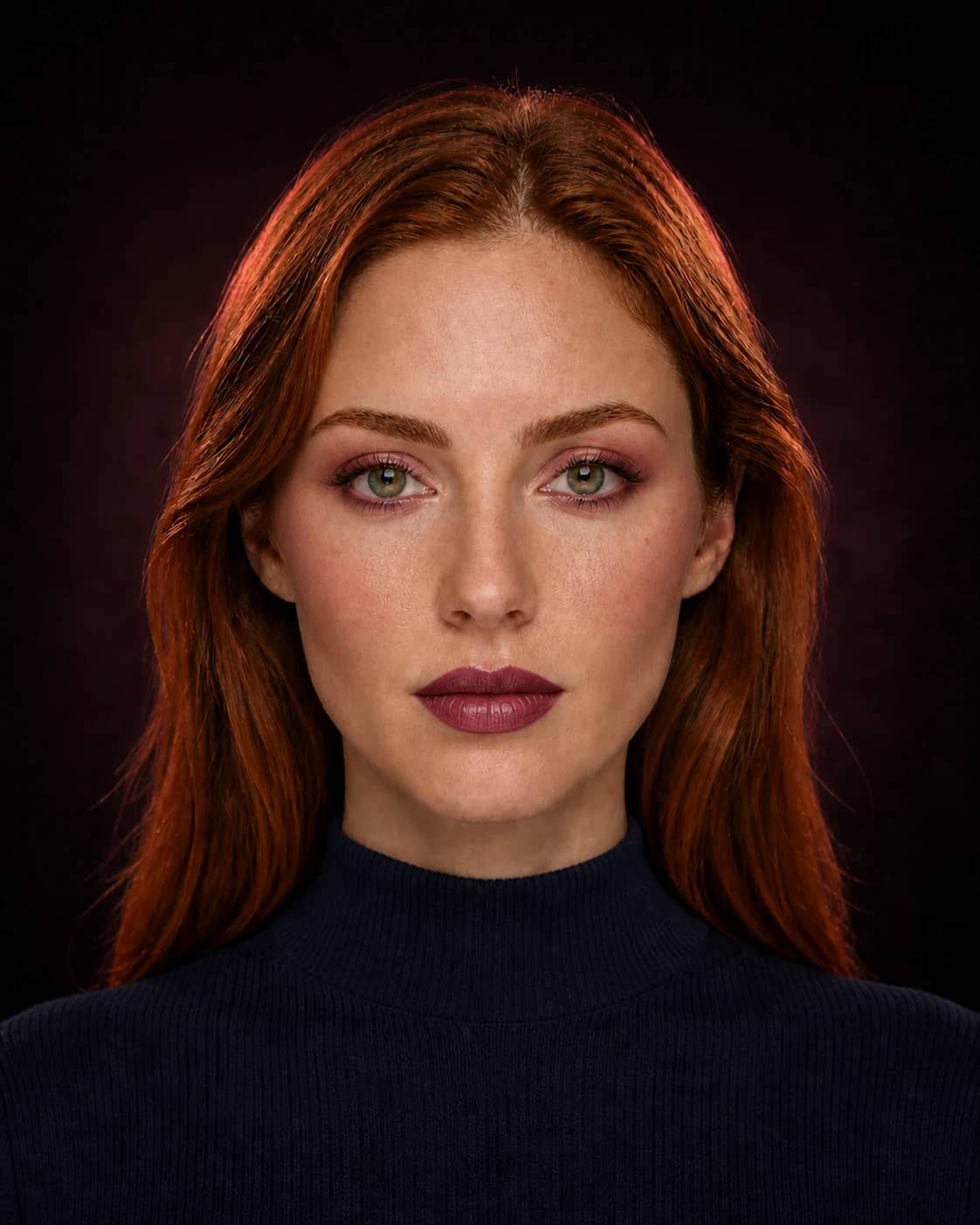
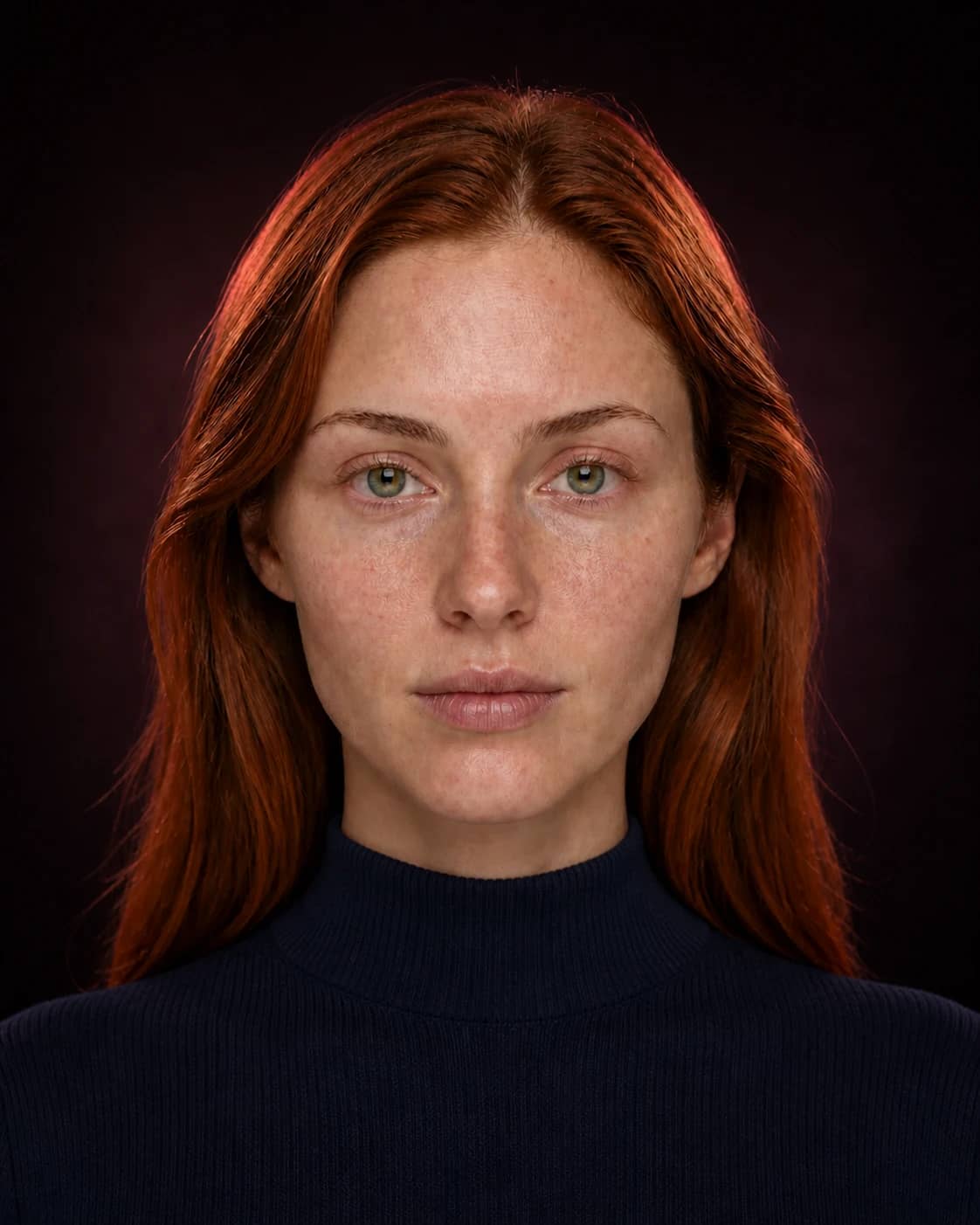
A better comparison
Change one meaningful variable at a time. You will know what made the result work—and what to test with real products.
Generate a coordinated face when the question is mood: natural or dramatic, warm or cool, polished or expressive.
Name the focal point, color family, placement, intensity, and finish instead of asking only for a vague glow-up.
Preserve the eye while softening the lip, or keep the palette while moving blush placement. A partial success is usable information.
How to use it
Keep the input clear, the question specific, and the final check grounded in real light, products, and wear.
Use a sharp, front-facing photo in soft neutral light without a strong beauty filter.
Pick a complete look, transfer inspiration, or describe the makeup effect you want to explore.
Compare Before and After, name what changed, and turn the best choice into shade, placement, finish, and routine notes.
AI makeup generator vs. makeup filter app
A makeup filter app is useful for quick camera-based color and intensity play. An AI makeup generator is better suited to a more complete visual direction, custom description, inspiration transfer, or still-photo comparison.
MaqAI includes both modes. Start with Live AR when speed and movement matter; move to an AI photo preview when you want to save, compare, and read the result more deliberately.
From generated look to real makeup
Break the generated makeup look into base, face, eyes, lips, and finish. Record shade family, depth, saturation, placement, edge, tools, and order. That description survives when a real swatch looks different from the screen.
Verify formula behavior, oxidation, texture, flash, comfort, and wear with real products. The generator narrows creative direction; it does not replace the final product or technique test.
A focused comparison lab
A useful prompt names the visual hierarchy instead of requesting a generic improvement. Define the anchor, supporting palette, placement, finish, and level of intensity before generating the first result.
Start with luminous skin, elongated eyes, sculpted cheeks, a statement lip, or another clear focal point. One lead prevents every category from competing at full intensity.
Specify warm, cool, neutral, muted, vivid, light, or deep direction; then name diffused or precise edges and matte, satin, luminous, metallic, or glossy finishes where relevant.
Review the anchor first. Mark altered skin, lashes, brows, lighting, hair, accessories, or facial detail that was not part of the brief and should not enter the real plan.
Keep the successful eye while softening the lip, preserve the palette while lifting cheek placement, or hold the composition while reducing complexion glow. One focused edit protects the useful work.
Save the prompt, original portrait, first result, and refined version. Add a final one-sentence specification—for example, softly elongated taupe-plum eye, satin skin, lifted neutral-rose cheek, and diffused nude lip. That sentence is portable to Makeup Builder, products, practice, and an artist brief.
Useful expectations
Use MaqAI to
Do not use it to
Good to know
Clear expectations before you upload a portrait, compare a result, or shortlist real products.
It is a creative visualization tool that applies or creates a makeup direction on a portrait. MaqAI can generate complete looks, focused category changes, custom ideas, and transferred inspiration.
Yes. Describe the color family, focal point, placement, intensity, and finish you want. A specific makeup brief is easier to evaluate than a vague request.
Not exactly. Filters are well suited to fast live camera experimentation. Generative photo previews are better for complete or custom looks, stable comparison, and saved visual direction.
No. Real color and finish depend on lighting, skin preparation, formula, opacity, oxidation, tools, technique, camera processing, and wear.
MaqAI is designed as an iPhone and iPad app. The website explains the workflow; current App Store availability is shown on the download button and inside the app listing when live.
Generate one useful direction
Start with one portrait and one clear makeup idea. Compare the result, keep the strongest change, and carry it into a real routine.