
Do I like the whole look—or only one part of it?
Start with the full composition, then repeat the comparison with only the lip, eye, cheek, complexion, brow, or finish changed.
AI makeup studio
Use AI makeup try-on on your own photo, or compare more than 20 virtual makeup categories across lips, eyes, complexion, sculpting, brows, and finish.
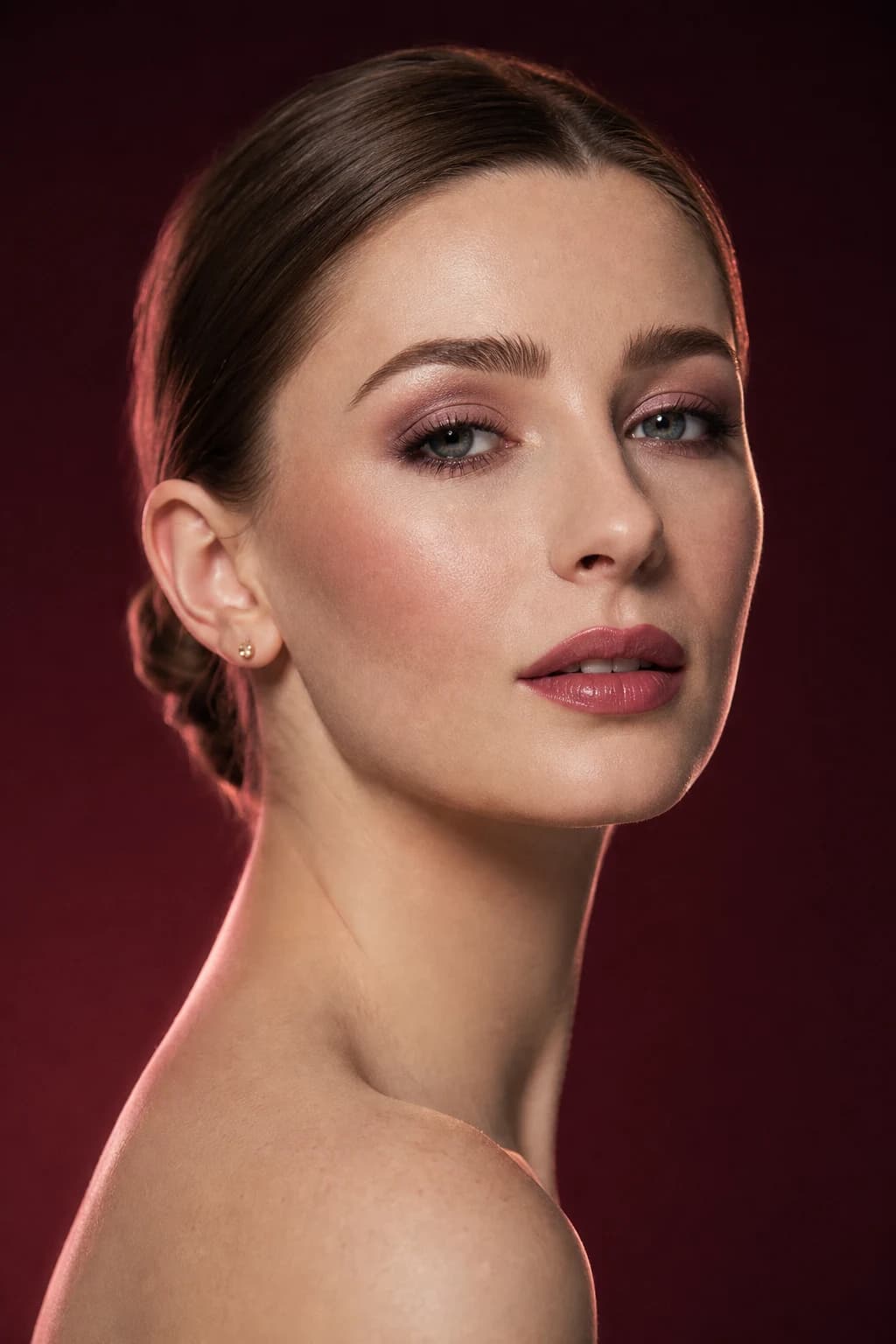
The decision brief
Enter with one decision, keep the comparison controlled, and leave with language you can use beyond the screen.
Start with the full composition, then repeat the comparison with only the lip, eye, cheek, complexion, brow, or finish changed.
Keep the portrait, crop, and light fixed. Fewer controlled variations make color, placement, intensity, and focal point easier to judge.
Save the most useful result and name its family, depth, placement, and finish before you move to real products or technique.
How it works
Use one clear, front-facing portrait in soft neutral light.
Try the whole face, isolate one category, or describe a custom look.
Review Before and After, name what works, and save the result worth testing.
Begin with a complete look such as clean girl, soft glam, bronze goddess, smoky eye, bridal soft, or editorial graphic. Then move into focused categories including lipstick, gloss, tint, liner, shadow, lashes, blush, contour, bronzer, highlighter, complexion, brows, and finish.
A full-face result tells you whether the composition works. A category comparison tells you why. Use both when you want to keep the mood but change the lip, eye, cheek, coverage, or level of polish.
A generated image can clarify color family, depth, placement, contrast, focal point, and finish. It cannot tell you which real formula will oxidize, crease, transfer, flash back, or sit well on your skin.
Translate the saved image into useful language—a muted berry satin lip, softly lifted rose cheek, compact smoky eye, or luminous base—then test real products in the conditions that matter.
Where it becomes useful
A useful result should clarify the whole look, isolate one detail, or give you a product, technique, or routine decision to test next.
Keep the same portrait and test one wearable option beside one bolder option. The contrast reveals more than a long grid of nearly identical looks.
If the full face feels too busy, compare lips, liner, blush, or finish on its own. You can keep the overall mood while changing the part that does not feel like you.
Save the family, depth, placement, and finish you like. Then test a few real formulas instead of searching for an exact color sampled from a generated screen.
Review with a critical eye
Begin with the emotional read: fresh, polished, sculpted, romantic, graphic, or dramatic. Then check whether the focal point, color balance, and placement support that impression.
Notice where your eye lands first and whether skin, eyes, cheeks, and lips compete or support one another.
Look at liner angle, cheek direction, lip edge, and highlight location. Placement is often more transferable than an exact shade.
Ask what you would soften for daylight, strengthen for an event, or simplify for the time and tools you actually have.
A repeatable practice plan
Complete looks are useful for discovering mood; focused categories are better for learning why the mood works. This sequence uses both without turning the session into an endless gallery.
Use the same bare or lightly made-up portrait. Choose directions with a clear difference in palette, focal point, or finish so your first reaction contains useful contrast.
Cover parts of the image mentally and ask whether the win comes from skin, cheek, eye, brow, or lip. Name the placement, color relationship, edge, and intensity responsible.
Keep the surrounding face familiar. Test one credible variation—softer lip edge, higher cheek, more compact eye, or less luminous base—to confirm that the feature still works without generated styling around it.
Look for the required behavior rather than an imaginary exact product: opacity, blendability, shape control, finish, and wear. Practice the anchor before rebuilding the whole face.
Save the original, the preferred complete look, and the isolated category test. Add a one-sentence brief naming the anchor and one constraint—such as daylight, glasses, ten-minute application, or long wear. That three-image set explains both the inspiration and the part you intend to use.
Permission before processing
Your selected portrait is processed only after you request an AI feature and accept the photo-processing disclosure shown in MaqAI. Live camera permission is separate from photo-based generation.
How MaqAI handles privacy →Good to know
Straight answers about the app, AI previews, privacy, and what to expect.
Yes. MaqAI includes complete looks as well as individual categories for refining lips, eyes, complexion, sculpting, and finish.
Yes. The custom look flow lets you describe a makeup direction such as bridal soft, bronze goddess, or editorial graphic liner.
No. A preview is a visual planning aid. Real shade and finish depend on the product, lighting, skin, camera, and application.
Put AI Makeup Try-On to work
Use AI Makeup Try-On to compare a clear direction, keep the part that works, and turn the result into a practical next step.