
What exactly am I borrowing from the reference?
Name the color story, placement, finish, focal point, or level of drama you care about before you transfer the image.
Make inspiration personal
Use AI makeup transfer to test a reference on your portrait, or build a reusable custom makeup look across base, face, eyes, lips, and finish.
The decision brief
Enter with one decision, keep the comparison controlled, and leave with language you can use beyond the screen.
Name the color story, placement, finish, focal point, or level of drama you care about before you transfer the image.
Judge whether the creative direction survives on your portrait, then rebuild the parts that need different shape, scale, or intensity.
Save the base, face, eyes, lips, and finish as a named structure so the inspiration becomes usable beyond one generated image.
How it works
Choose a clear photo of a real face wearing the makeup you like.
Test the reference as a whole or assemble your own base, face, eyes, lips, and finish.
Keep a custom recipe so you can return to the same idea later.
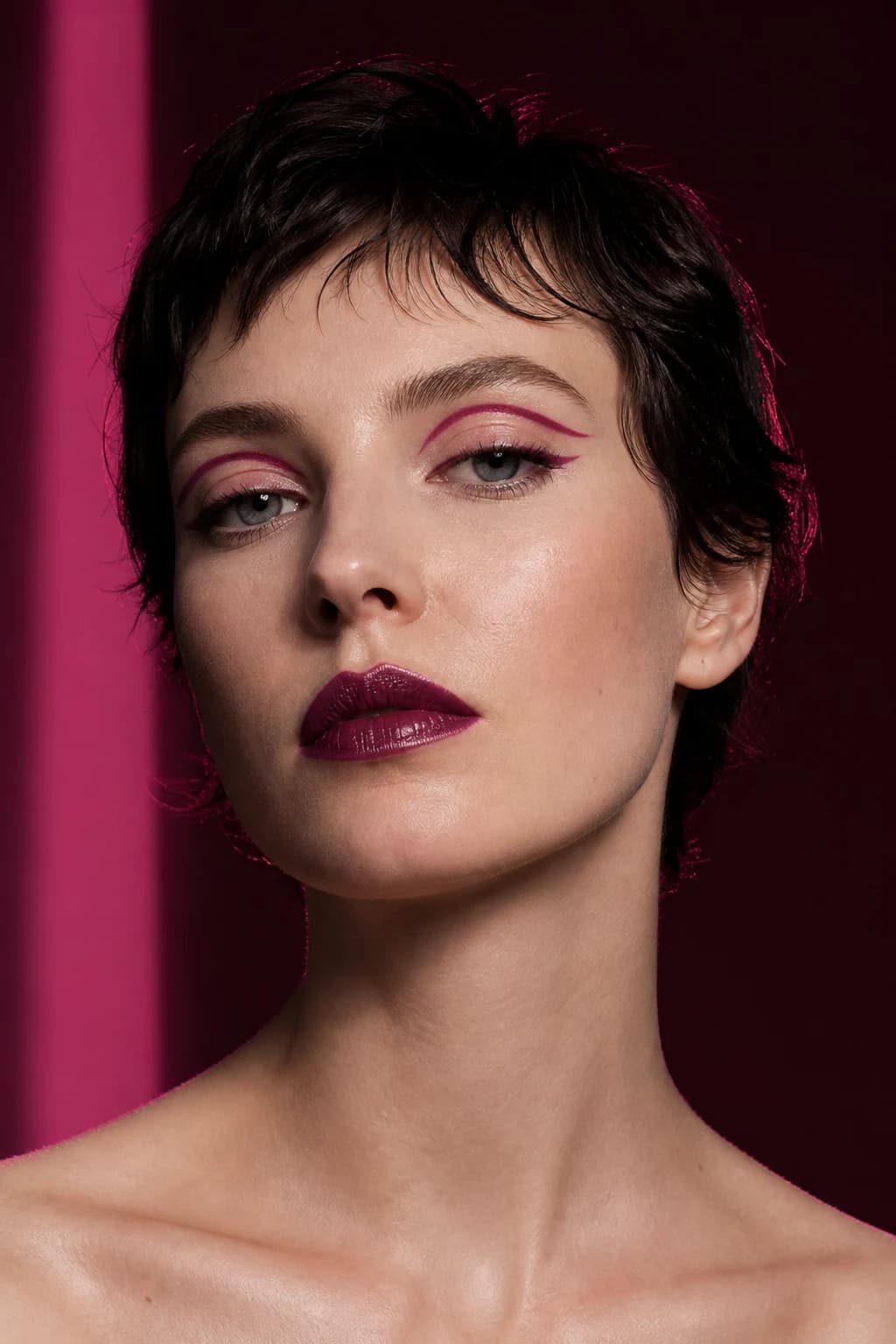
A saved makeup image bundles the model, visible features, expression, lighting, products, styling, and retouching. Look Transfer helps you test the reference's color story, placement, finish, and focal point on your chosen portrait.
Use a clear close-up of one real face wearing readable makeup. Product swatches, illustrations, masks, extreme crops, and heavily colored light make the result harder to interpret.
Makeup Builder separates the look into base, face, eyes, lips, and finish. Choose soft, balanced, or bold intensity, undo or reset layers, add a custom description, name the result, and save it on the device.
The saved recipe matters because it explains the image. You can return to the same structure, make a day or evening variation, or translate each layer into products you already own.
Where it becomes useful
A useful result should clarify the whole look, isolate one detail, or give you a product, technique, or routine decision to test next.
Transfer is most useful when you care about the reference's color story, placement, and mood but need to see whether that direction still feels right on your portrait.
Build a soft, balanced, and bold version with the same core choices. That turns a single inspiration into a flexible signature direction.
Name the anchor, layer order, and intended finish. A useful saved look should help you remember the logic, not only the final image.
Review with a critical eye
A transfer can preserve the broad creative direction while changing small details because the faces, lighting, visible products, and source quality differ. Judge the parts you asked to explore before reacting to every pixel.
Check whether the color family, focal point, finish, and overall level of drama survived the transfer.
Notice which shapes or placements need adjustment for your visible features, preferred coverage, or everyday technique.
Convert the result into base, face, eyes, lips, and finish so the idea can be recreated with products you control.
A repeatable practice plan
A reference includes a person, styling, light, and photography. Look Transfer is more useful when you define the makeup decisions before generation and use Makeup Builder to remove anything that does not belong in your version.
Choose an image you may submit and identify what actually attracts you. Mark details that belong to lighting, retouching, facial features, hair, or accessories so they do not silently enter the brief.
Judge whether the annotated color story and focal point translate while your identity remains familiar. Do not use overall resemblance to the reference person as the success measure.
Preserve the eye if it carries the look, soften the lip if it competes, or reduce cheek saturation while keeping its direction. Focused edits turn a partial success into a deliberate result.
Organize base, sculpt, cheek, eyes, brows, lips, and finish. Record relative intensity and the order in which layers should be tested with real products.
Keep the annotated source, transferred result, and final builder recipe together. Write what was preserved, adapted, and ignored. This creates a clean handoff for your own routine or a makeup artist without asking anyone to copy another person’s face or a product that may not exist.
Permission before processing
Only use inspiration portraits you are entitled to submit. MaqAI asks for AI photo-processing consent before uploading a chosen portrait or makeup reference for the requested feature.
How MaqAI handles privacy →Good to know
Straight answers about the app, AI previews, privacy, and what to expect.
Use a clear close-up of one real face wearing visible makeup. Avoid product swatches, illustrations, masks, and heavily cropped images.
You can continue exploring individual categories or use Makeup Builder to create a more controlled layered direction.
Saved-builder behavior can depend on your account and app version. The app clearly indicates when a look is stored on the device.
Put Transfer & Makeup Builder to work
Use Transfer & Makeup Builder to compare a clear direction, keep the part that works, and turn the result into a practical next step.