
Fair, light, light-medium, medium, tan, deep, or rich
Begin with the depth range closest to the face and neck, then compare a neighboring option. A clear difference is more informative than scrolling through nearly identical colors.
Virtual foundation try-on
Compare 28 foundation shade directions across seven skin-depth ranges and four undertones, then separate shade from coverage and finish before you swatch real formulas.
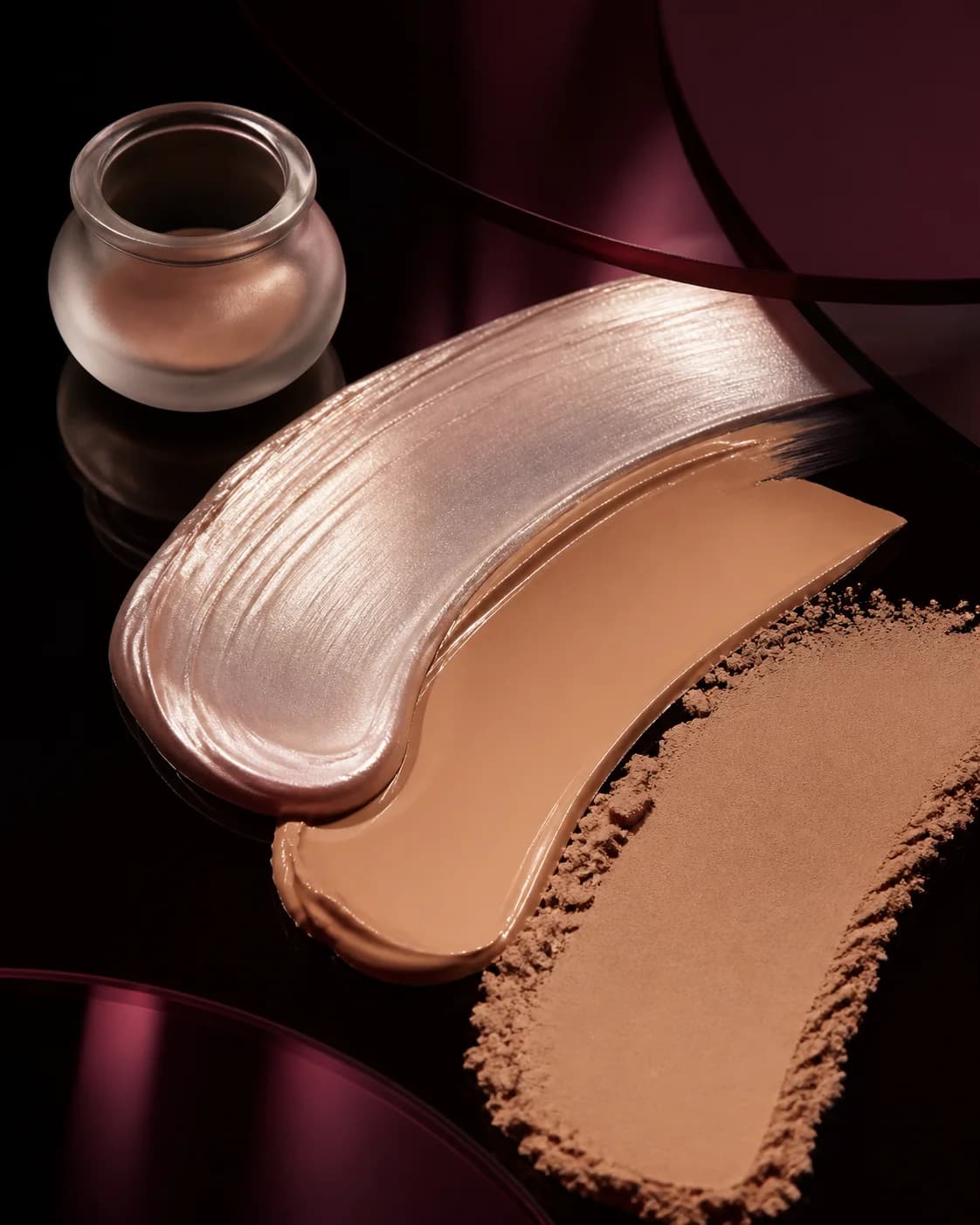
Bare-face baseline to complexion direction
Start with a clear, evenly lit portrait and use the MaqAI foundation shade finder to compare fair through rich depth directions with cool, neutral, warm, and olive undertone cues. The goal is to remove broad mismatches and identify a manageable starting family.
Then use virtual foundation try-on to judge the whole face at normal size. Keep the neck, clothing, light, and surrounding makeup unchanged so you can read depth, undertone, evenness, and finish without confusing a new photograph for a better shade.


A better comparison
Change one meaningful variable at a time. You will know what made the result work—and what to test with real products.
Begin with the depth range closest to the face and neck, then compare a neighboring option. A clear difference is more informative than scrolling through nearly identical colors.
Use undertone as a starting cue, not a fixed identity. Compare how each direction relates to the neck, chest, hair, and the light in the source portrait.
A color can feel wrong because a matte surface looks flat or a luminous finish reflects too strongly. Hold shade steady while comparing natural glow, dewy, softly sculpted, and soft-matte directions.
How to use it
Keep the input clear, the question specific, and the final check grounded in real light, products, and wear.
Choose neutral frontal light, visible face-and-neck context, no beauty filter, and little or no existing complexion makeup.
Use Color Analysis and Shade Finder as context, then compare one likely direction with a slightly lighter, deeper, warmer, cooler, or more olive alternative.
Test real formulas near the jaw, allow them to settle, and check daylight, oxidation, texture, coverage, flash, comfort, and wear.
Foundation shade finder with photo guidance
MaqAI organizes virtual foundation shades from fair to rich and across cool, neutral, warm, and olive undertone cues. Color Analysis can provide additional context, while Shade Finder turns that context into foundation directions worth comparing on your portrait.
This structure is designed to narrow a crowded shade wall. It does not identify a guaranteed brand SKU because brands divide shade ranges differently and the same label can behave differently across formulas.
Virtual shade vs. real formula
Camera white balance, screen calibration, source lighting, existing makeup, and generated skin detail affect every digital foundation preview. Reuse one portrait and judge relative differences instead of treating a displayed pixel as a physical shade measurement.
After virtual foundation try-on, swatch the shortlist on prepared skin. Let each formula settle before checking depth and undertone, then assess opacity, oxidation, pore and line behavior, sunscreen interaction, transfer, comfort, and wear in the conditions that matter.
A focused comparison lab
Treat depth, undertone, coverage, and finish as separate rounds. Keep the portrait, crop, expression, light, and surrounding makeup stable so every comparison answers one complexion question.
Compare the face with visible neck context at normal viewing size. Remove directions that create an obvious mask, disconnect from the neck, or flatten the natural dimension of the portrait.
Look for the direction that integrates rather than adding visible pink, yellow, orange, gray, or green cast. Treat the result as a family-level clue, not a permanent undertone label.
Decide how much natural skin should remain visible and where light should return. Compare natural glow, dewy, softly sculpted, and soft-matte direction without letting surface preference distort the shade decision.
Test the finalists near the jaw on prepared skin. Recheck after the formula has dried down, then inspect daylight, indoor light, photography, oxidation, texture, comfort, transfer, and wear.
Leave with no more than three briefs—for example, light-medium neutral in a natural satin finish, medium warm with sheer luminous coverage, and medium olive in soft matte. Match those descriptions to real products, not generated pixels, and let formula behavior decide the final purchase.
Useful expectations
Use MaqAI to
Do not use it to
Good to know
Clear expectations before you upload a portrait, compare a result, or shortlist real products.
Choose a clear portrait, compare foundation shade directions, and review the result beside the unchanged original. MaqAI separates foundation shade from finish so you can identify which variable improves the complexion direction.
MaqAI includes 28 foundation shade directions: seven depth ranges from fair through rich, each paired with cool, neutral, warm, and olive undertone cues.
No. It narrows depth and undertone direction, but an exact brand match needs real products because shade systems, opacity, oxidation, formula, lighting, and skin preparation change the result.
A bare face in soft neutral light gives the clearest baseline. Keep the neck visible and avoid beauty filters, colored light, strong self-tan changes, or existing foundation that hides the color relationship you want to assess.
Yes. MaqAI includes foundation finish directions such as natural glow, dewy, softly sculpted glow, and soft matte. Compare finish separately from shade, then verify the real formula on your skin.
Keep no more than three shade-and-finish briefs, swatch real candidates near the jaw, let them settle, and check daylight, oxidation, texture, flash, comfort, and wear before buying.
A shorter foundation shortlist
Start with one bare-face portrait, narrow depth and undertone, choose the finish, and take only the strongest candidates to a real swatch.