
Inspiration guide
How to transfer a makeup inspiration look to your photo
Choose a readable reference, identify the creative direction, review the transfer critically, and rebuild the useful parts.
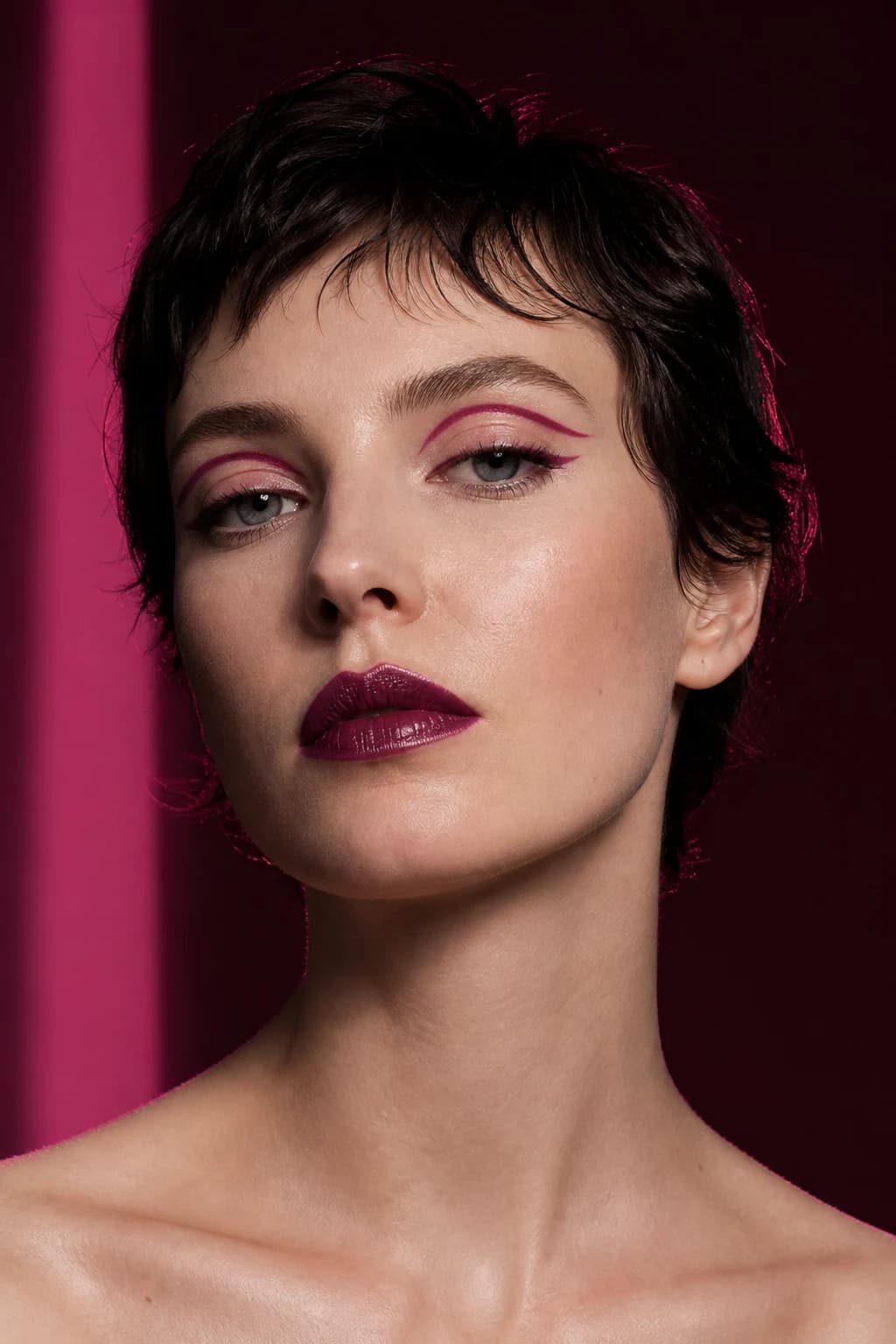
A saved reference combines makeup with another person's features, expression, skin, lighting, hair, styling, and photography. Look Transfer is most useful when you first identify the creative direction you actually want to test.
The goal is not to copy another face. It is to learn whether the reference's color story, placement, finish, and level of drama can become part of your own look.
Choose a reference the system can read
Use a clear close-up of one real face with the makeup visible. Avoid product-only images, swatches, illustrations, masks, extreme crops, heavy obstruction, and group photos.
Neutral or intentional lighting is easier to interpret than strong colored light. If the reference depends on shadow or editorial color grading, recognize that the atmosphere may be transferred along with the makeup direction.
Name the parts you want to preserve
Describe the anchor, color family, placement, edge, finish, and intensity before generating. For example: elongated smoky eye, muted rose lip, softly sculpted cheek, and satin skin.
This list becomes the evaluation criteria. It prevents you from judging the transfer only by whether it resembles the complete original photograph.
Use a compatible source portrait
Choose your own clear front-facing image in soft neutral light. The portrait does not need to match the reference pose, but visible eyes, brows, cheeks, lips, jaw, and forehead make adaptation more readable.
Keep existing makeup light when possible. A dark liner or opaque lip in the source can compete with the reference and make it harder to understand the transfer.
Review direction before detail
Start with whether the transferred look has the same mood and focal point. Then check color relationship, placement, shape, and finish. Only afterward inspect small edges and generated texture.
The transfer may adapt shapes because visible features differ. Decide whether that adaptation supports the idea or loses the quality you cared about.
Rebuild instead of chasing a perfect copy
If the eye is useful but the lip is wrong, keep the eye direction and replace the lip. If the palette works but the placement is too dramatic, rebuild the look in Makeup Builder at a softer intensity.
Translate the result into base, face, eyes, lips, and finish. A layered recipe is easier to recreate, modify, and explain than one flattened reference image.
A successful transfer preserves the idea you wanted—not every detail of the source photograph.
Respect consent and image rights
Use references you created, licensed, or are otherwise entitled to submit. Do not upload a private portrait or another person's image without permission.
MaqAI shows a photo-processing disclosure before the requested AI action. Review the data, recipients, and purpose, and submit only the content needed for the feature.