
Warm, cool, neutral, or deliberately contrasting
Compare broad families first. A useful virtual lipstick try-on narrows the direction before it tries to name one exact shade.
Virtual lipstick try-on
Try lipstick shades on a live camera view or one stable portrait. Compare color family, depth, edge, and finish before deciding which real lip products deserve a swatch.
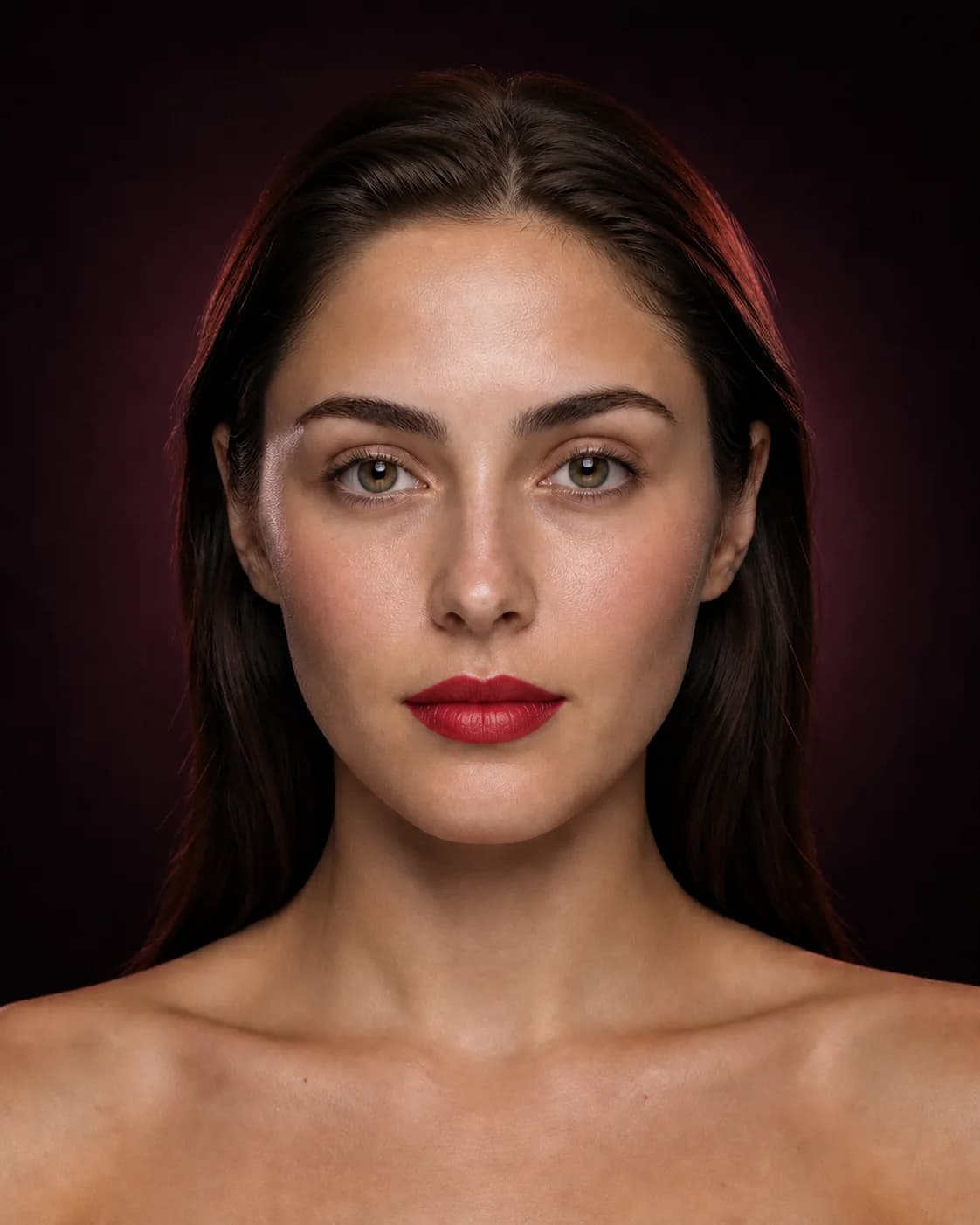
One face, one lip decision
Use Live AR to scan nude, rose, berry, coral, red, brown, and statement lip directions while your expression changes. Move to a still photo when two options deserve a controlled side-by-side decision.
Judge temperature, depth, saturation, edge, and finish separately. A color can be right while a glossy finish or crisp outline is wrong—and the reverse can also be true.
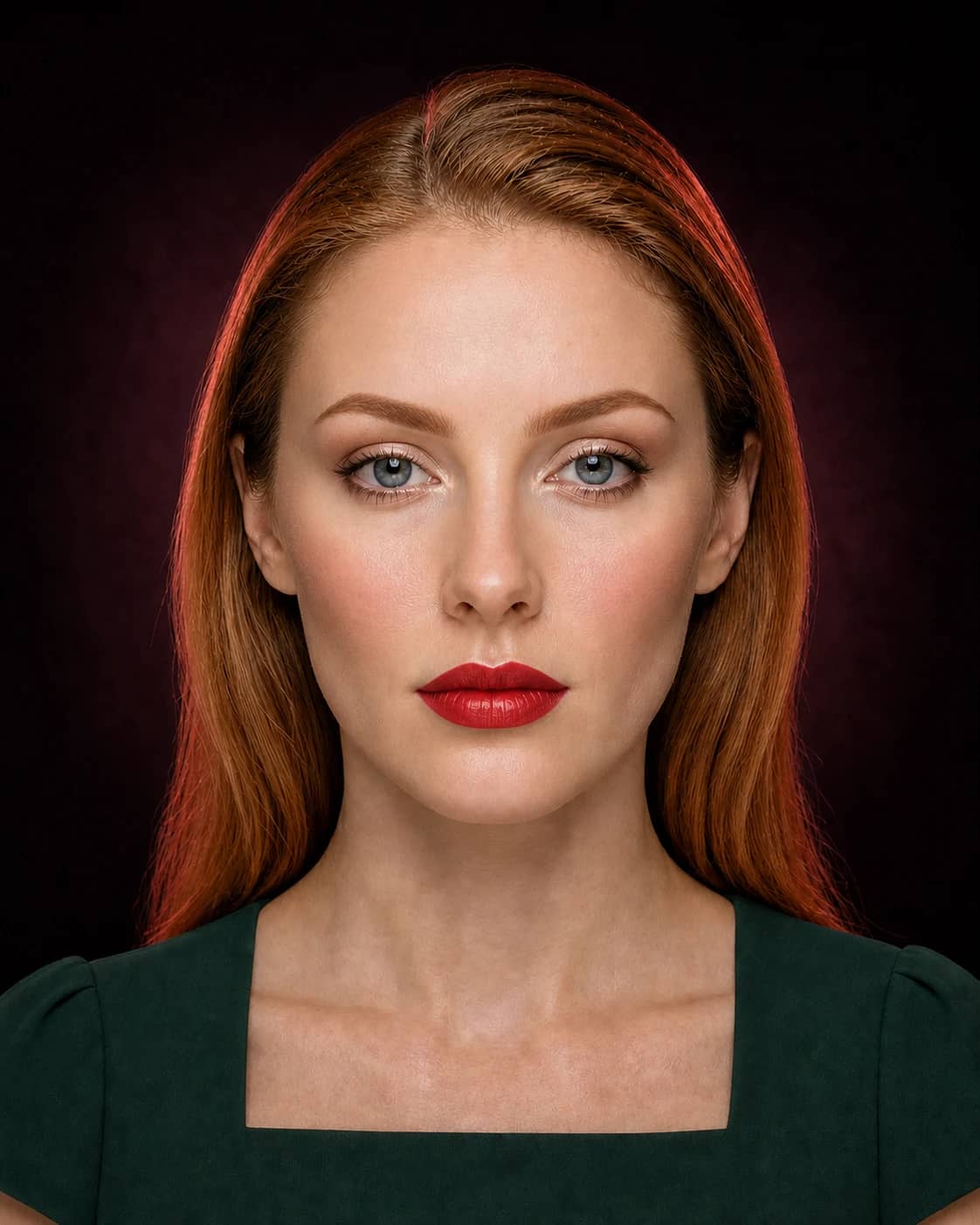
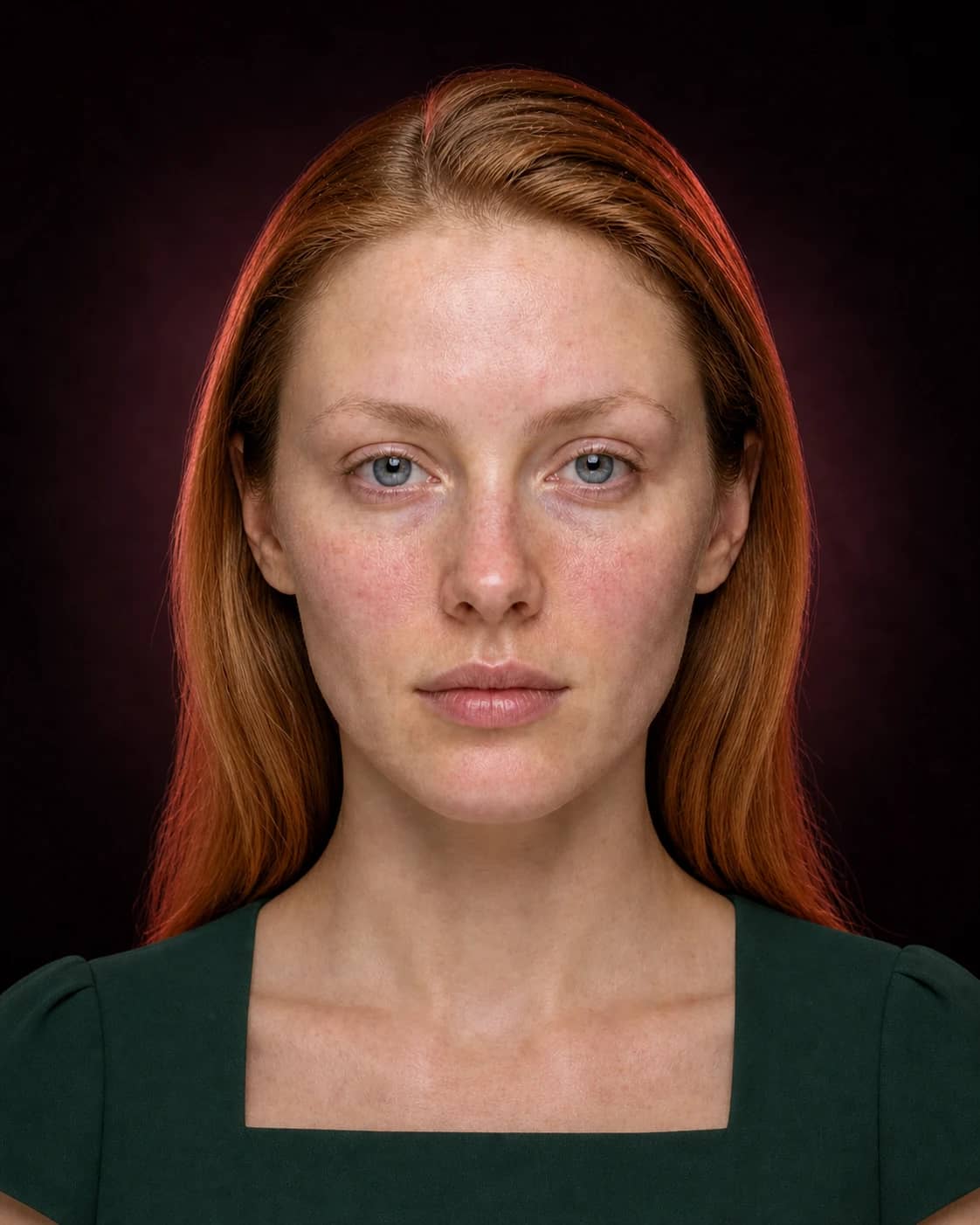
A better comparison
Change one meaningful variable at a time. You will know what made the result work—and what to test with real products.
Compare broad families first. A useful virtual lipstick try-on narrows the direction before it tries to name one exact shade.
Depth changes contrast around the mouth and can matter more than moving between two very similar reds or berries.
Separate color from outline and sheen so you know whether to change the product family or only the application.
How to use it
Keep the input clear, the question specific, and the final check grounded in real light, products, and wear.
Start with a clear face and lip area without colored light or a strong existing lip product.
Choose two or three shade families or finishes different enough to reveal a preference.
Test the real products for opacity, undertone, texture, comfort, transfer, and wear.
Why lipstick changes on screen
A virtual lipstick try-on app can compare direction, but screen calibration, ambient light, camera processing, lip pigmentation, and existing product all influence the displayed color.
Use one source portrait for the comparison and treat the preview as a family-level shortlist. Do not sample a generated pixel and expect a real lipstick bullet to reproduce it exactly.
A better lipstick comparison
The original protects you from choosing a shade only because any change feels exciting. The wearable option should fit your current routine; the expressive option should make the color idea unmistakable.
Write down what you liked: muted medium rose with a soft edge, blue-red satin with crisp definition, or deep berry stain with low shine. That language makes shopping and application more precise.
A focused comparison lab
Lip color decisions become clearer when family, depth, edge, and finish are tested in sequence. Keep the rest of the face stable so each round answers one specific question.
Try nude, rose, berry, coral, red, or brown families with similar opacity and a satin finish. Remove options that fight the intended mood before exploring neighboring shades.
Keep temperature, saturation, edge, and finish steady. Depth changes facial contrast and focal strength, so judge the whole face at normal size rather than the mouth alone.
Use the same color. A softened edge may feel casual or romantic; liner can create polish, structure, or a deliberate overdraw that needs real technique testing.
Reflectivity changes apparent color and volume. Move finalists onto real lips to check pigmentation, formula base, comfort, transfer, feathering, and how the finish evolves.
Leave with no more than three real-product briefs, such as medium neutral rose satin, deep blue-red velvet, and sheer warm brown gloss. Swatch each in daylight, let opaque formulas settle, photograph from conversation distance, and keep the one whose real behavior supports the reason you selected it virtually.
Useful expectations
Use MaqAI to
Do not use it to
Good to know
Clear expectations before you upload a portrait, compare a result, or shortlist real products.
Use Live AR for quick camera-based color play or a photo preview for a stable comparison on your portrait. The app helps you evaluate family, depth, edge, and finish.
No. It can narrow a color and finish direction, but exact matching requires the real brand product because formula, opacity, lighting, lip pigmentation, and screen color change the result.
A bare or lightly prepared lip in neutral light is easiest to compare. Strong existing lipstick, colored light, and beauty filters can distort the result.
Yes. Judge finish separately from color. You may prefer the shade family but need a softer edge, lower shine, or more translucent formula.
Save the family, depth, edge, and finish you liked, then swatch a few real products and check them in relevant light for comfort, transfer, and wear.
Your lip-color shortlist
Compare a small set on one familiar face, name what works, and let a real swatch make the final decision.